Getting started
History
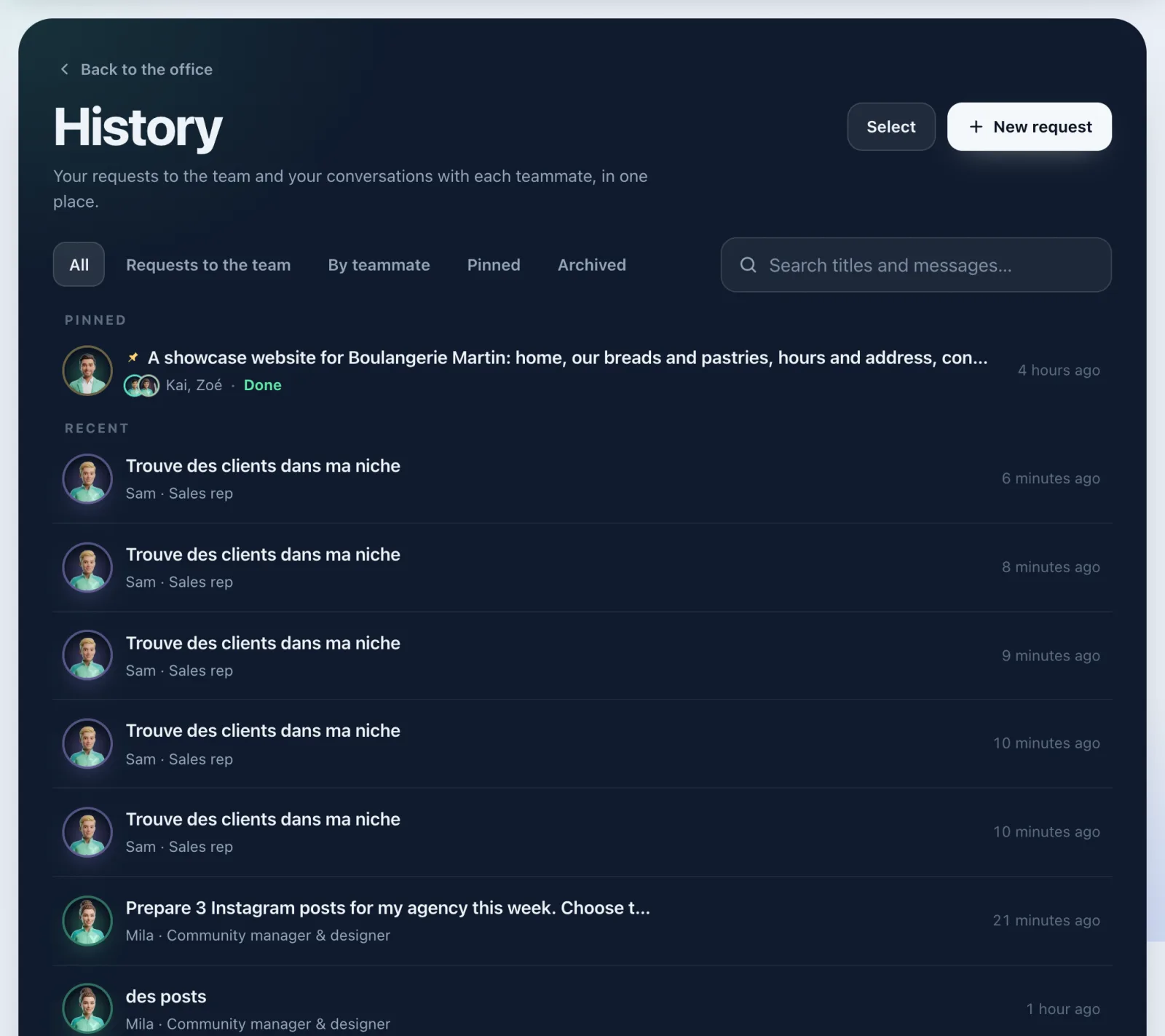
Find your requests to the team and your conversations with each teammate: search, filter, pin, archive or delete.
On this page
In short: History keeps everything you said to your AI team: your requests to the team and your conversations with each teammate. Tap a row to reopen it in your office.
Open your history
- In the sidebar, tap History, just below My office.
- The page opens with Pinned at the top, then Recent.
- Tap a row: the conversation reopens in your office, where you left it.
To go back, tap Back to the office. For a new request, tap New request.
Sort and search
- The tabs: All, Requests to the team, By teammate, Pinned and Archived.
- By teammate: then pick a first name (Mila, Leo, Nora…) to see only their conversations.
- The search, Search titles and messages…, finds a word in a title or a message. Clear empties the search.
- At the bottom of the list, Show more loads older conversations.
Tidy up one conversation
- Tap the three little dots at the end of a row.
- Choose Pin (it stays at the top), Archive (it leaves the office and waits in Archived) or Delete.
- To undo, the same menu offers Unpin or Unarchive.
Tidy up several conversations at once
- Tap Select.
- Tick the rows, or tap Select all.
- Choose the action in the bar: Pin, Archive or Delete.
- Tap the cross (Exit selection) to leave.
On a phone
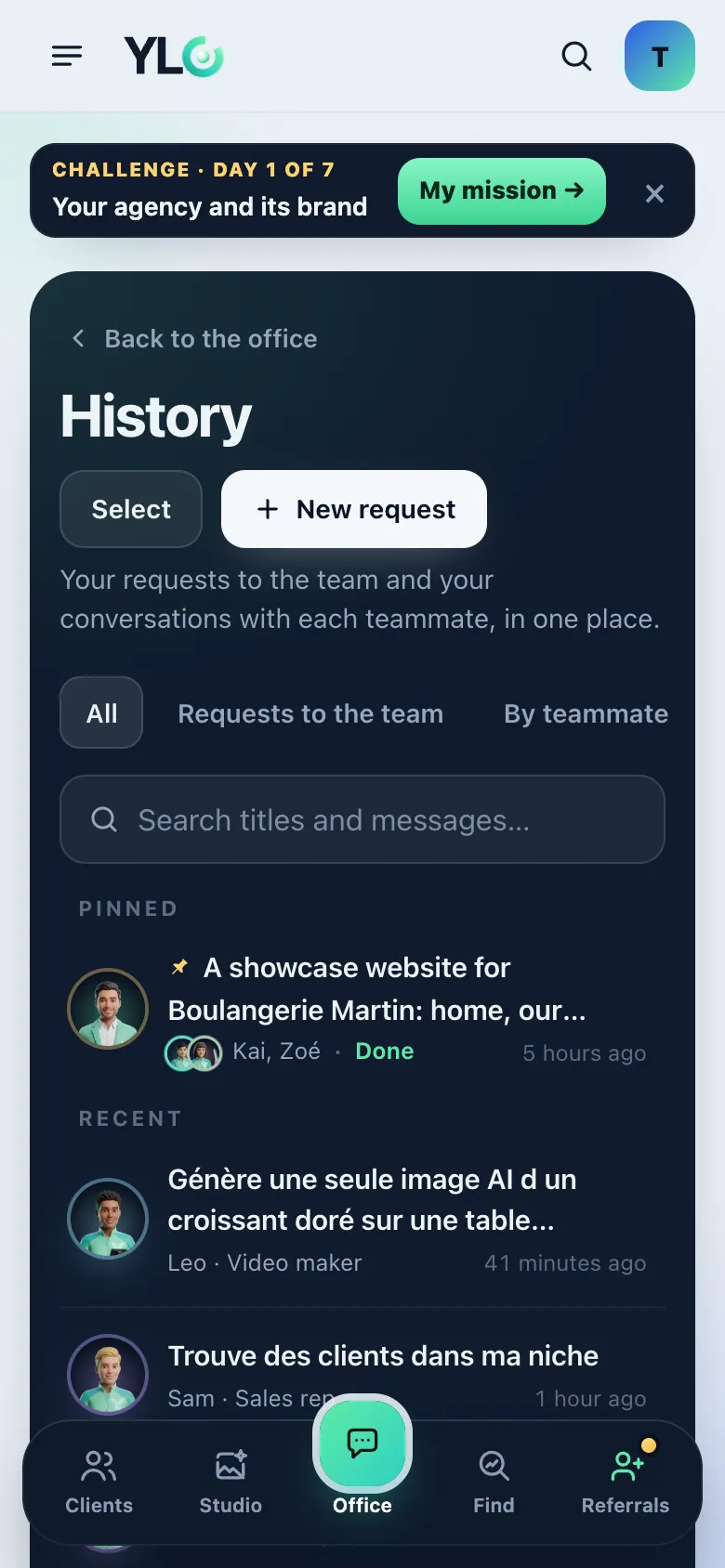
The page is the same. In Select mode, the action bar moves to the bottom of the screen, under your thumb.
What it costs
Nothing. Opening, searching, pinning, archiving or deleting costs no credits.
If it doesn't work
- "The list couldn't load.": tap Try again.
- "That didn't work. Try again.": the action didn't go through, do it again.
- "Nothing yet.": you haven't asked anything yet. Write your first request in your office.
- The page sends you to the Pass: your AI team works with a Pass.
See also
Did this article help you?
Thanks! Glad it helped.
Sorry about that. Write to us: a person from the team will answer. Write to us