Getting started
Create your account and sign in
No password: you sign in with your email address and a six-digit code sent by email.
In short: enter your email address, get a six-digit code, type it, and you're in. The first time, the same steps create your account.
Sign in
- Go to account.ylcnetwork.com, or choose to sign in with your YLC account in an app.
- Type your Email address, tick the verification box if it shows, then tap Send my code.
- Open the email and type the Six-digit code (or tap Paste the code).
- Tap Sign in.
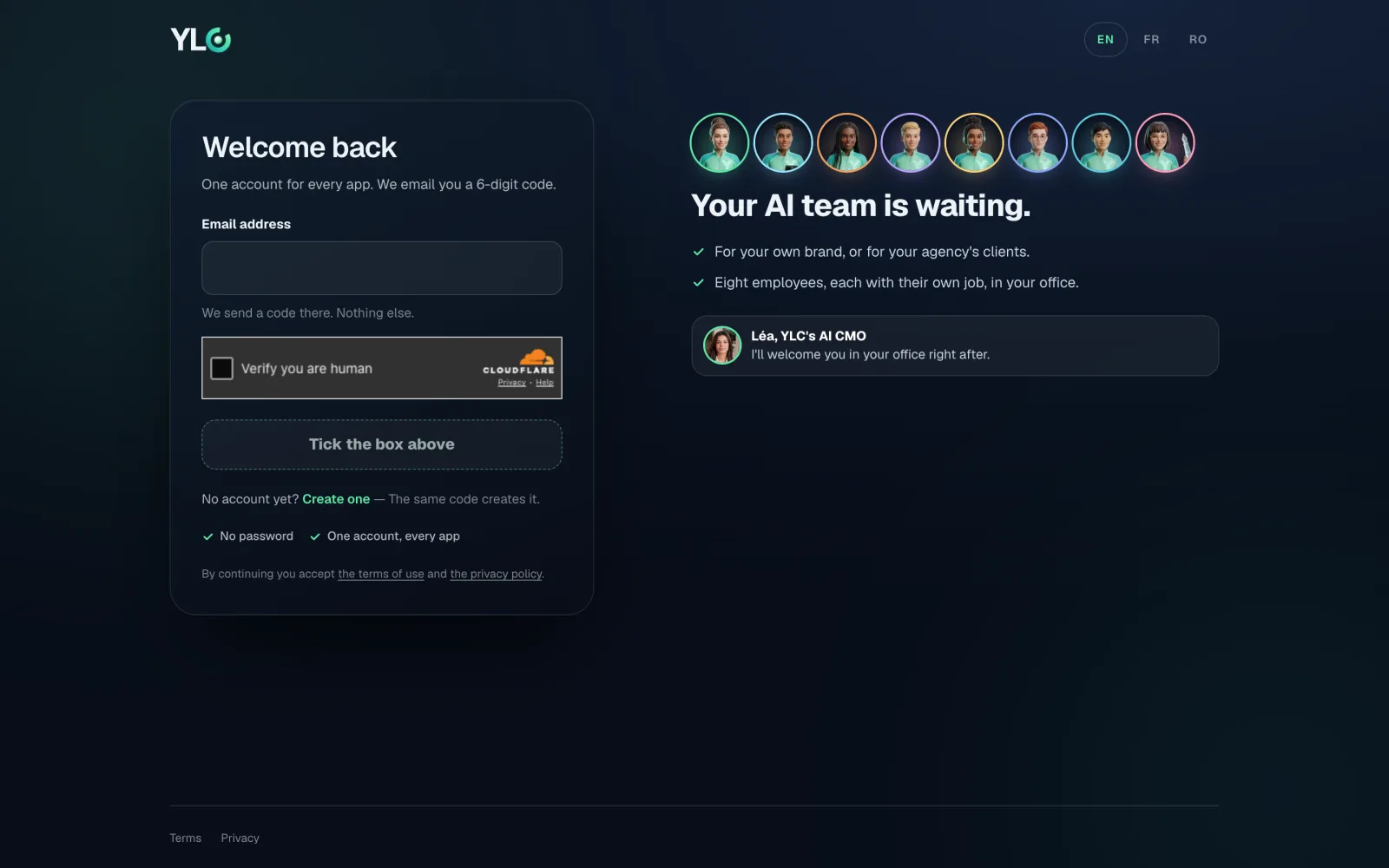
Create your account
It's the same thing: your first code creates the account. We ask for nothing else, and there's no password to remember. Signing up is free.
One account for everything: the same address opens every YLC app, The Green and Straby included.
Sign out everywhere
Signing out of one app only closes that site. To close everything, open your account menu, then Settings, and tap Sign out of every app: your account closes on every site and every device. Handy if you lost a phone.
If it doesn't work
- "That does not look like an email address.": check that no character is missing.
- "This looks like a temporary address.": use an email you keep, your code and your account live there.
- "That code is wrong or has expired.": the code expires after ten minutes. Ask for a new one and type the latest one you got.
- "Too many attempts.": wait a few minutes, then try again.
- "The anti-robot check didn't go through": reload the page or try on Wi-Fi. If it keeps happening, write to support@ylcnetwork.com.
- No email: check your spam folder. See I didn't get my sign-in code.
See also
Did this article help you?
Thanks! Glad it helped.
Sorry about that. Write to us: a person from the team will answer. Write to us