Business My brand & quests
Your first day in Business mode
From Léa's question to your first logo: what happens on day one when your AI team works for your brand.
On this page
In short: you pick "For my business", give your brand name and set your logo, for free. Then the Business Pass puts your 8 AI employees to work, one quest at a time.
Pick your space
- Sign in at account.ylcnetwork.com with your email and the six-digit code you receive.
- In My office, Léa asks you one question: do you want your AI team for your business, or to start an agency?
- Tap For my business.
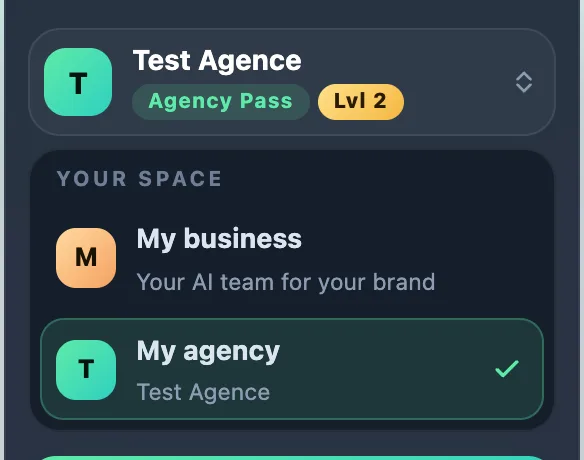
This choice isn't final: it only sets where you start. Later, you switch spaces with the Your space selector at the top of the sidebar.
Give your brand name
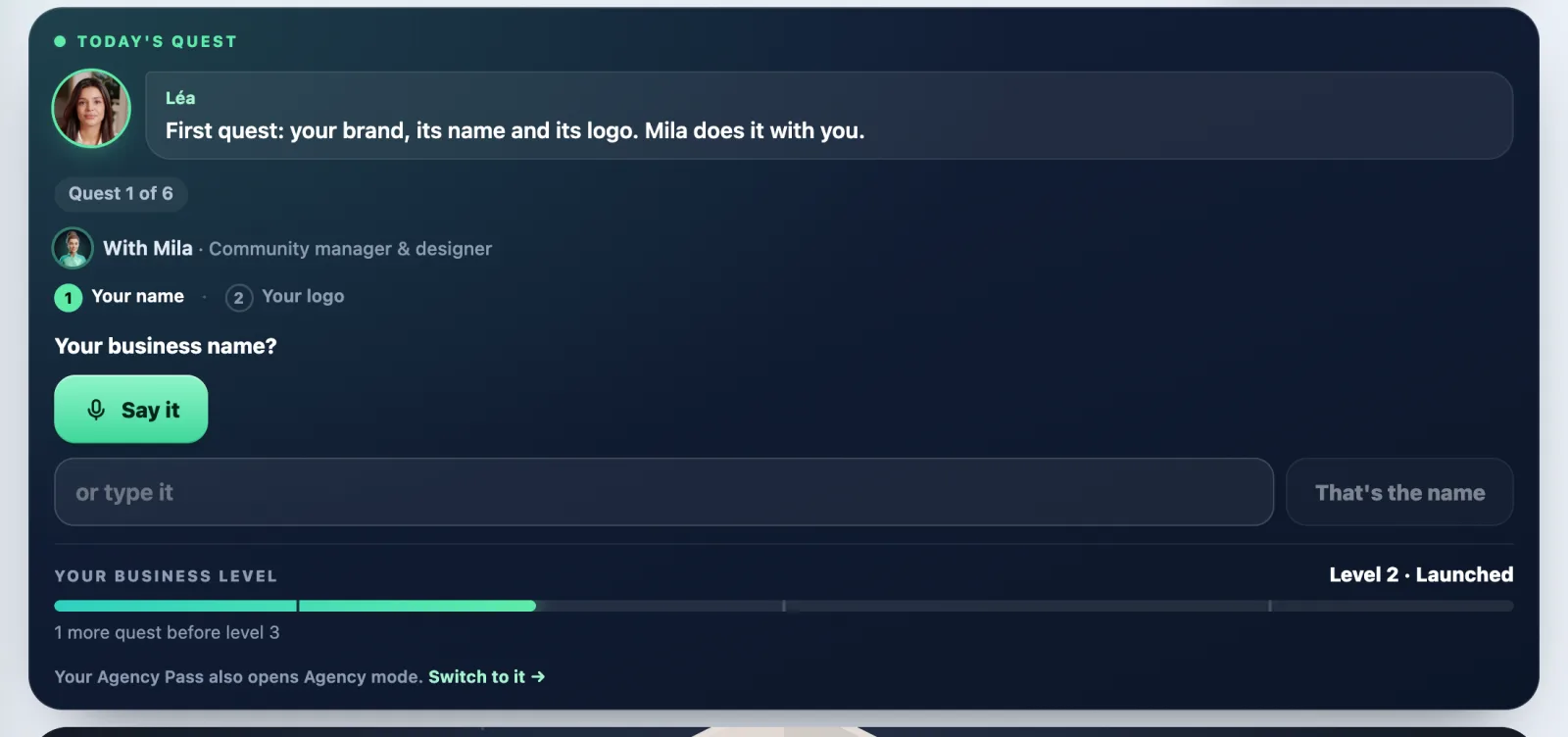
- On the Today's quest card, tap Give my business name.
- Type the name (for example "Martin Bakery").
- Tap That's the name.
It's free, even without a Pass.
Set your logo
Two free ways, even without a Pass:
- The express logo: open My brand, block Your express logo. Pick your colours, then your logo, and tap Use this logo and these colours. It uses no AI and costs nothing.
- You already have a logo: tap I already have a logo: import it. You land on My brand, block Logos: tap Add a logo (PNG, JPG or WebP, 5 MB max).
As soon as your brand has a name and a logo, your first quest ticks itself. A custom logo drawn by Mila in Glyphi needs the Business Pass.
Unlock your team
Without a Pass, the sidebar shows My office, My brand, Referrals and an Unlock your whole team card. The quest card offers Get the Business Pass · €59 excl. VAT/month.
The Business Pass gives you 150 AI credits a month, every app, and your 8 AI employees working for your brand. You can take it monthly, or yearly with two months free (€590 excl. VAT). Payment happens on Whop.
Send your first real request
- On the Today's quest card, tap the big button (for example Create my website). The request is typed into the office input.
- Tap Send.
- The employee asks a few quick questions. Tap your choices, or Let Kai choose everything (the name changes with the employee).
- Tap See the price. The exact price shows up: nothing starts before you launch.
What it costs
- Your name, the express logo and importing a logo: free.
- The Business Pass: €59 excl. VAT a month, or €590 excl. VAT a year.
- Your messages to the team: 100 free every month, then 1 credit per message.
- Every deliverable (logo, website, video…) shows its price in credits before it starts. Prices are in Your business quests.
If it doesn't work
- "Your logo couldn't be saved. Try again in a moment.": wait a few seconds and tap Use this logo and these colours again.
- "Your brand was changed somewhere else in the meantime": tap Reload, then try again.
- "My agency" has a padlock: that's normal. This space opens with the Agency Pass.
- No sign-in code: see I didn't get my sign-in code.
See also
Did this article help you?
Thanks! Glad it helped.
Sorry about that. Write to us: a person from the team will answer. Write to us