Business My brand & quests
Your business quests
Six quests, one at a time, to launch your brand: logo, website, posts, video, Google reviews and booking page.
On this page
In short: your office gives you one quest at a time. One button, and the right employee gets to work. A quest only ticks once the work really exists in your account.
The six quests
- Your brand: its name and logo, with Mila. Button Create my logo.
- Your website, with Kai (Vivra). Button Create my website.
- This week's posts, with Mila (Ondra). Button Prepare my posts.
- Your presentation video, with Leo (Motiv). Button Create my video.
- Your Google reviews, with Nora (Clama). Button Collect my reviews.
- Your booking page, with Ana (Cadra). Button Create my booking page.
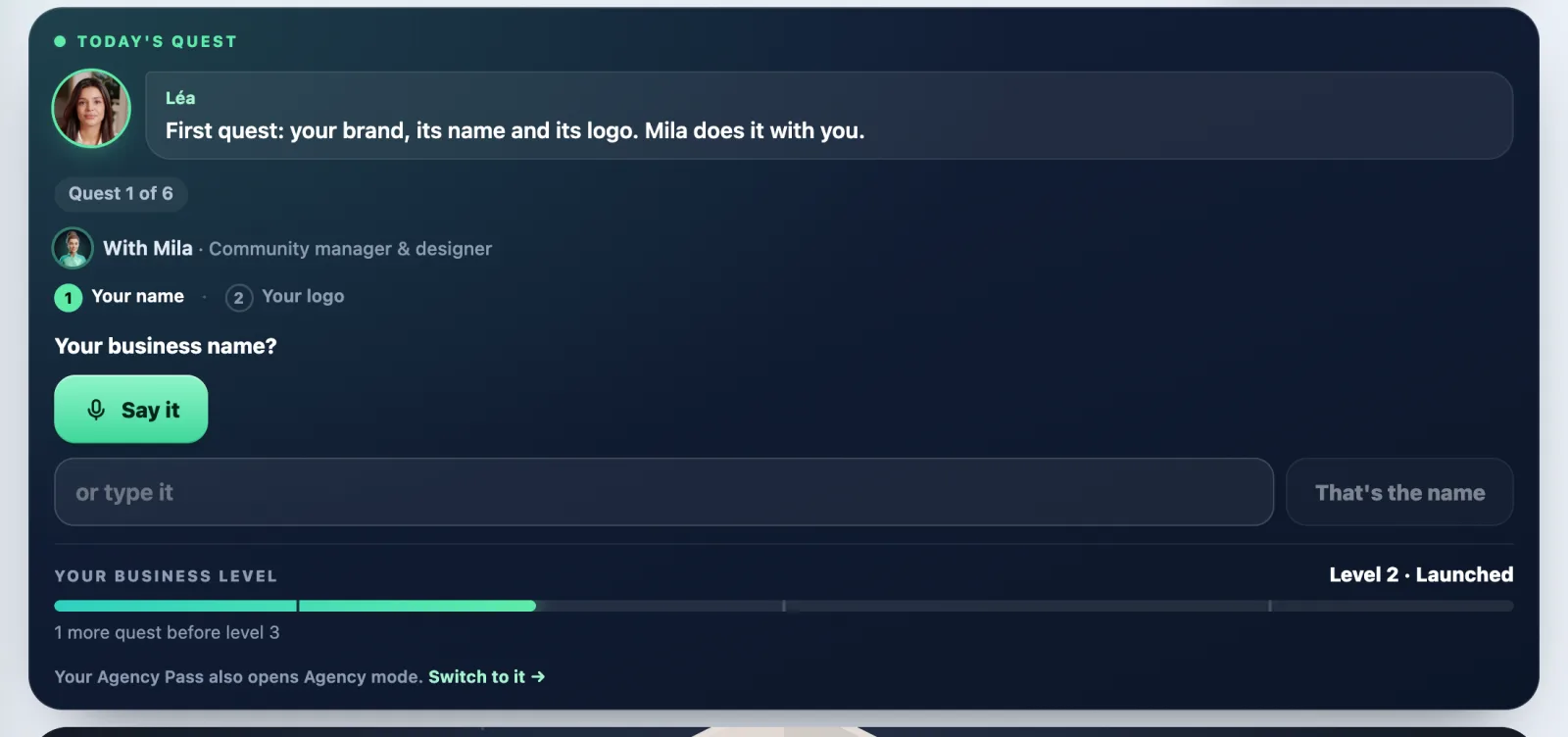
Do a quest
- In My office, look at the Today's quest card.
- Tap the big button. The request is typed into the input.
- Tap Send, answer the quick questions, then tap See the price.
- Confirm when the price suits you. Nothing is charged without your OK.
Already have something?
Next to the big button, a link saves you time:
- I already have a logo: import it into My brand.
- I already have a website: type its address and tap That's my site. It goes into My brand, for free. You can then Fill my brand from this site (1 credit).
- I already have Google reviews and I already have a booking tool: one tap, and the quest counts as done.
Skip a quest
Tap Skip this quest (in small print): the next one comes up. The skipped quest waits for you at the end. The first quest, your brand, can't be skipped.
When a quest ticks
- Your brand: when My brand has a name and at least one logo.
- Your website: when a Vivra website is ready, or when My brand has your website address.
- Posts: when a post exists in Ondra.
- Video: when a Motiv video has been rendered.
- Reviews: when your business is added in Clama.
- Booking: when a page exists in Cadra.
Every quest done raises Your business level: New, Launched, On its way, Solid, Pro, At the top.
After the six quests
The card becomes Today's action: every day, the next useful thing (reviews to answer, posts to approve, a week with no posts…). Tap Done ✓ or Later. If you skipped quests, the Go back to the skipped quests link brings them back.
What it costs
Naming your brand is free. The rest needs the Business Pass. Current prices in credits, Express version (Premium in brackets):
- A complete logo in Glyphi: 16 credits (25).
- A Vivra website: 15 credits (30).
- A Motiv video: 25 credits (70).
- A post with a visual in Ondra: 3 credits (4).
The employee always tells you the exact price before starting. Sending your request uses your 100 free messages of the month, then 1 credit per message.
If it doesn't work
- The quest doesn't tick: it ticks once the deliverable really exists (a website ready, a video rendered…). Work in progress doesn't count yet.
- "This address can't be read. Type your site, e.g. mysite.com.": type only the address, with no spaces.
- The big button offers the Pass: without a Pass, only naming your brand is open.
See also
Did this article help you?
Thanks! Glad it helped.
Sorry about that. Write to us: a person from the team will answer. Write to us