Getting started
Connect your calendar
Connect Google Calendar or Outlook once: Memra, Cadra and your AI team use it for your meetings and bookings.
On this page
In short: connect your calendar once in your YLC account. Memra joins the meetings you choose, Cadra shows your free slots and adds the bookings, and Eli and Ana use it in your office.
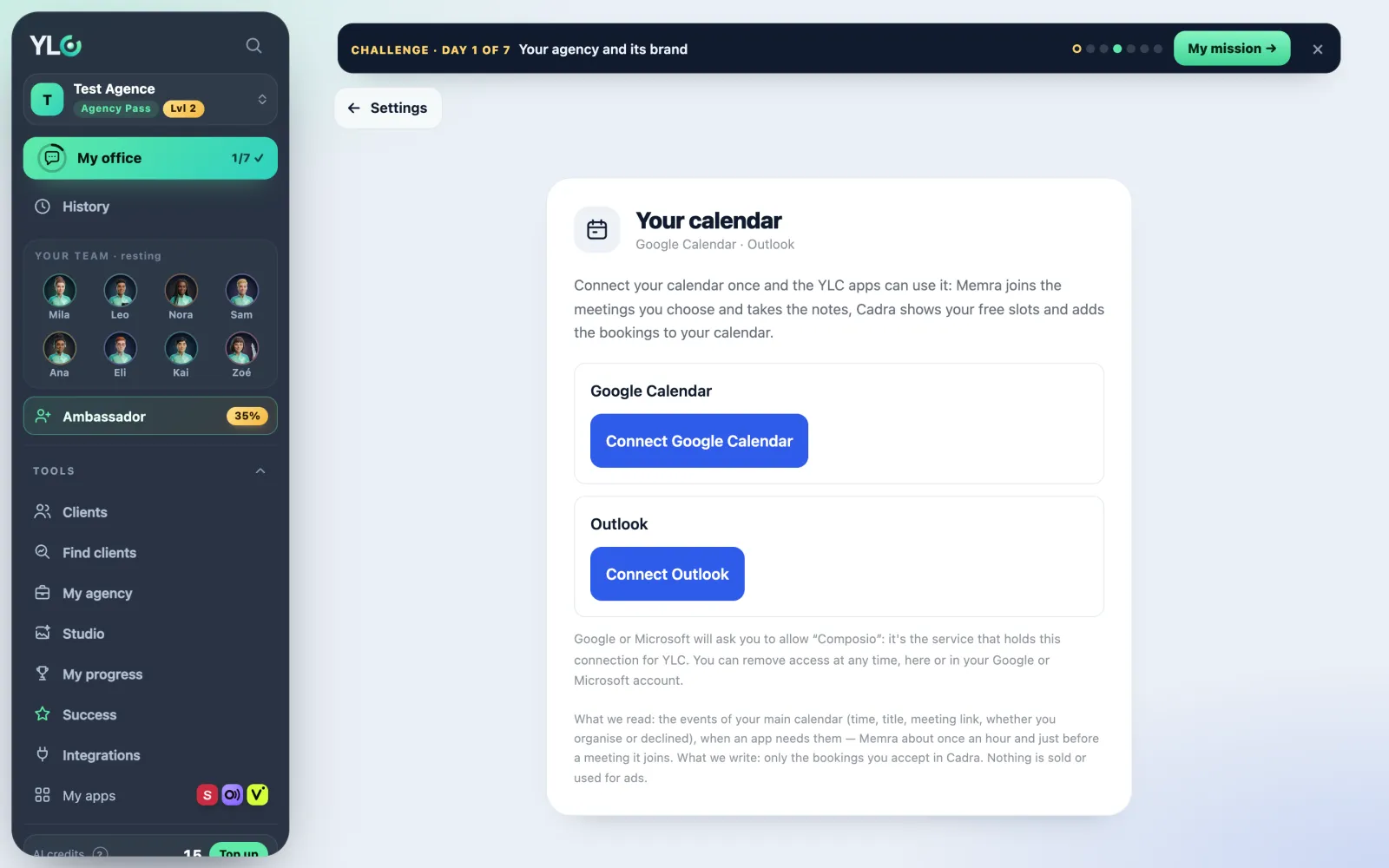
Open the page
- From Settings › Connections, Your calendar card: tap Connect (or Manage if it's already done).
- Or from an app (Memra, Cadra) that asks you: the page opens in a new tab.
Connect your calendar
- Tap Connect Google Calendar or Connect Outlook.
- Google or Microsoft asks you to allow "Composio": it's the service that holds this connection for YLC. Accept.
- You come back to the page: Connected as and your address show up.
- If you came from an app, tap Back to that app, or just close the tab.
You can connect both Google Calendar and Outlook.
What is read and written
- Read: the events of your main calendar (time, title, meeting link), only when an app needs them.
- Written: only the bookings you accept in Cadra.
- Nothing is sold or used for ads.
Disconnect
Tap Disconnect. YLC apps can no longer read your calendar. You can also remove access from your Google or Microsoft account.
What it costs
Nothing. Connecting or disconnecting your calendar costs no credits.
If it doesn't work
- "The connection wasn't completed. Nothing was connected.": start again and accept on Google or Microsoft.
- "This connection link expired or was opened in another browser.": start again in the same browser.
- "You were signed in with another YLC account when you came back.": sign in with the right account, then start again.
- "Too many attempts. Try again in an hour.": wait an hour.
- "This connection stopped working": access was removed or expired. Tap Reconnect.
- "Calendar connection isn't open yet.": nothing to do on your side, it's coming soon.
See also
Did this article help you?
Thanks! Glad it helped.
Sorry about that. Write to us: a person from the team will answer. Write to us