Agency Your agency
Your trophies
Your agency trophies, earned on what you really did: your Challenge, your clients, what you collected, your consistency.
On this page
In short: My trophies shows every trophy an agency can earn. Each one is earned on its own, from what you really did. Tap a trophy to see how to earn it.
Open it
In the sidebar: Tools › My progress › My trophies. The page opens with or without a Pass.
The trophy families
- The start: your agency, your brand, your 7-day Challenge.
- Your clients: demos, signed quotes, clients who pay.
- Your first euros: what you collected through your Whop account.
- Physical trophies: eight collection milestones. At each one, YLC gives you a real trophy, shipped to you after verification.
- Your consistency: your Monday scripts published, and what your team delivered.
- Your network: the agencies you recruited, and the Builder programme.
At the top, you see how many you've earned, what you've Collected through your Whop, and Your next trophy.
See a trophy
- Tap a trophy: its card opens.
- The steps and What's missing tell you what to do. Go there takes you to the right page.
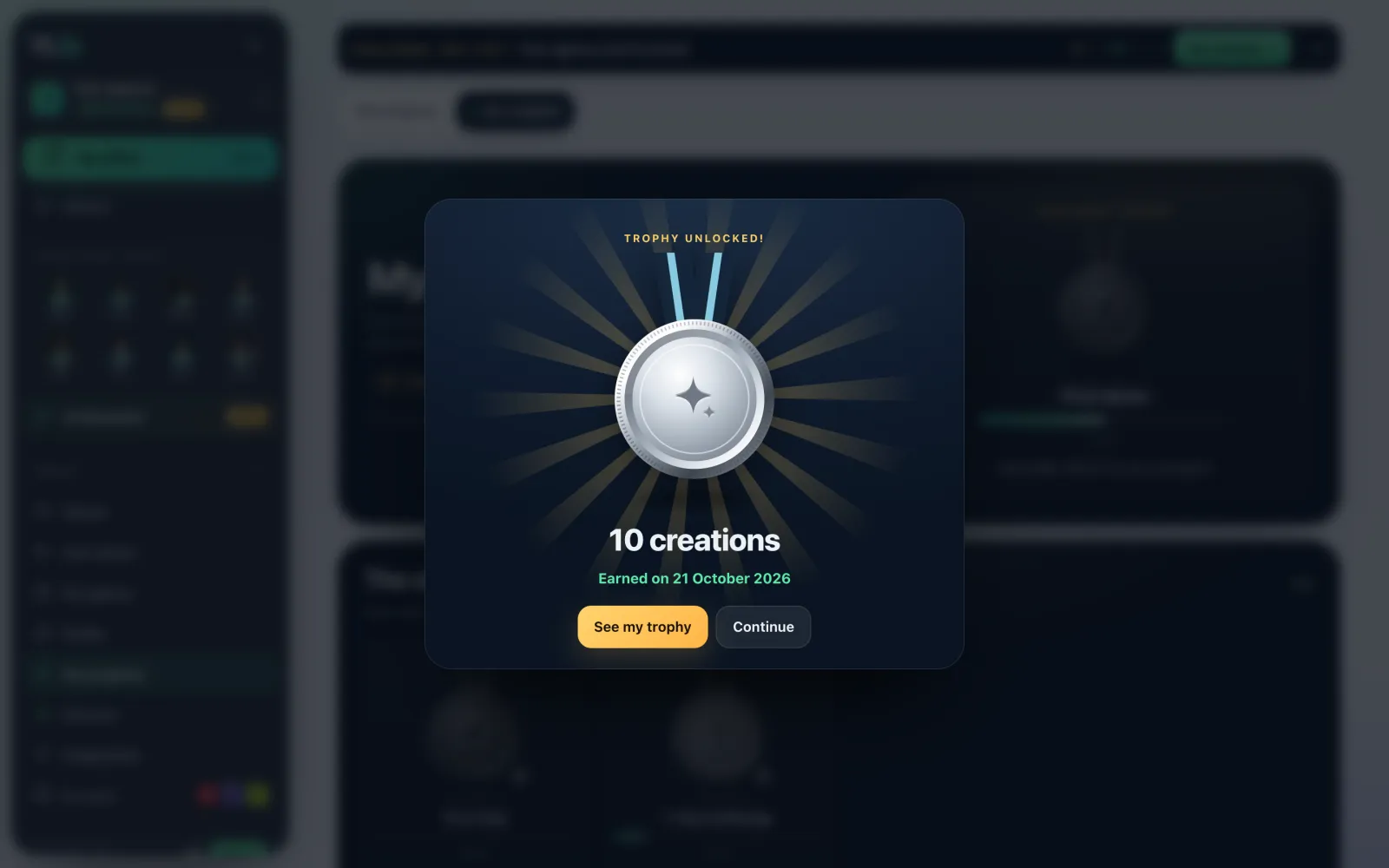
- An earned trophy can be shared: Share, or Download the image to post it on LinkedIn, Instagram or TikTok. See in 3D shows it in relief.
Receive a physical trophy
- The first physical trophy matches the milestone of €10,000 collected through your Whop account (excluding taxes, refunds deducted, test payments excluded).
- Once you've earned it, fill in the Delivery address, then tap Send my address.
- The YLC team verifies your payments. Follow the shipment in Your trophy's tracking: being verified, validated, ordered, shipped, received.
Indicative time: 4 to 8 weeks after validation. Once per milestone and per agency.
On your phone
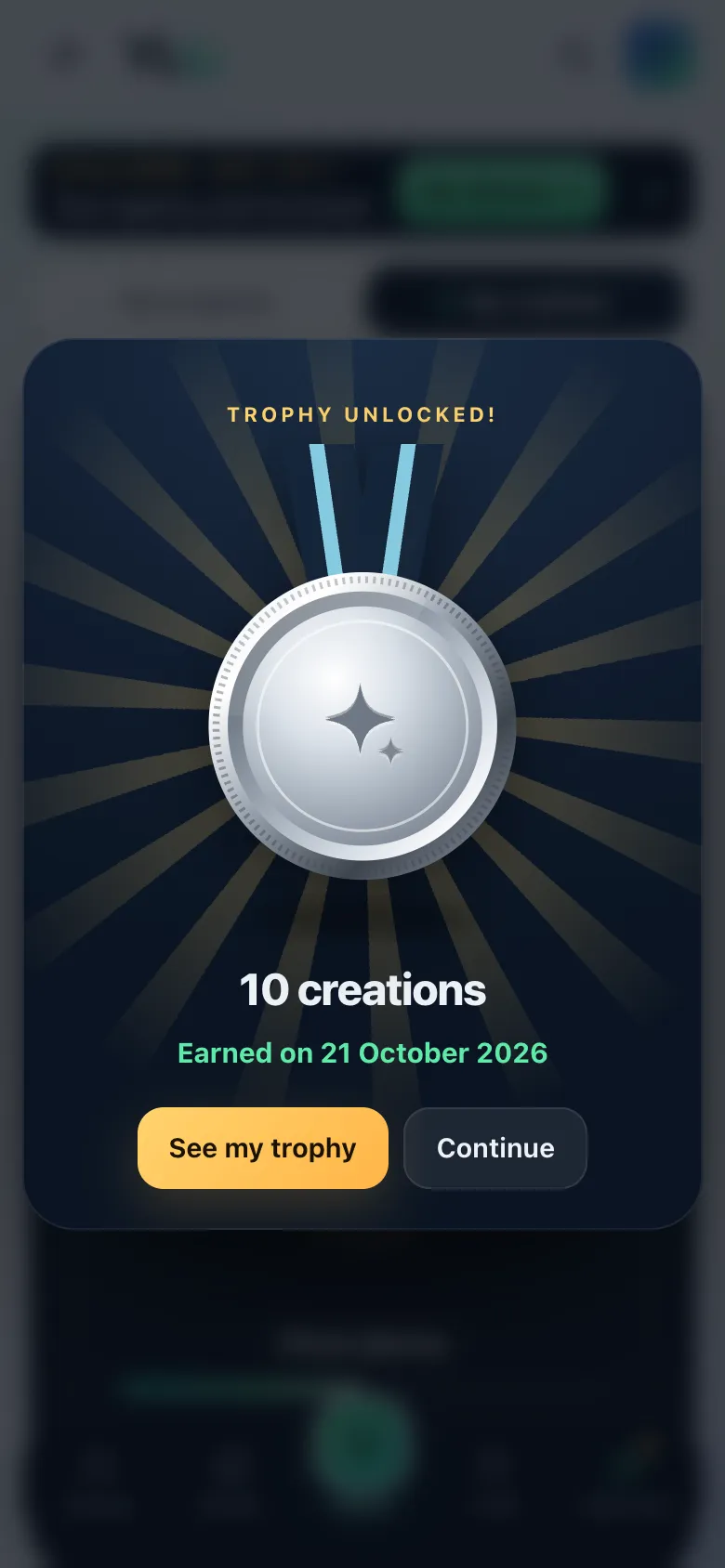
Tap a trophy to open its card.
What it costs
Nothing. Trophies, physical ones included, are free.
If it doesn't work
- A trophy doesn't tick: it's earned on real facts (a paid quote, a sent demo…), never on a click.
- "This milestone isn't reached on your payments.": the amount is read from your real payments, excluding taxes and refunds.
- "The team has already validated the shipment: write to support to change the address.": write to support@ylcnetwork.com.
- "The address couldn't be saved. Try again in a moment.": try again.
- "The 3D view couldn't load.": tap Back to the image.
See also
Did this article help you?
Thanks! Glad it helped.
Sorry about that. Write to us: a person from the team will answer. Write to us