Agency Your agency
Success: the videos of your Agency space
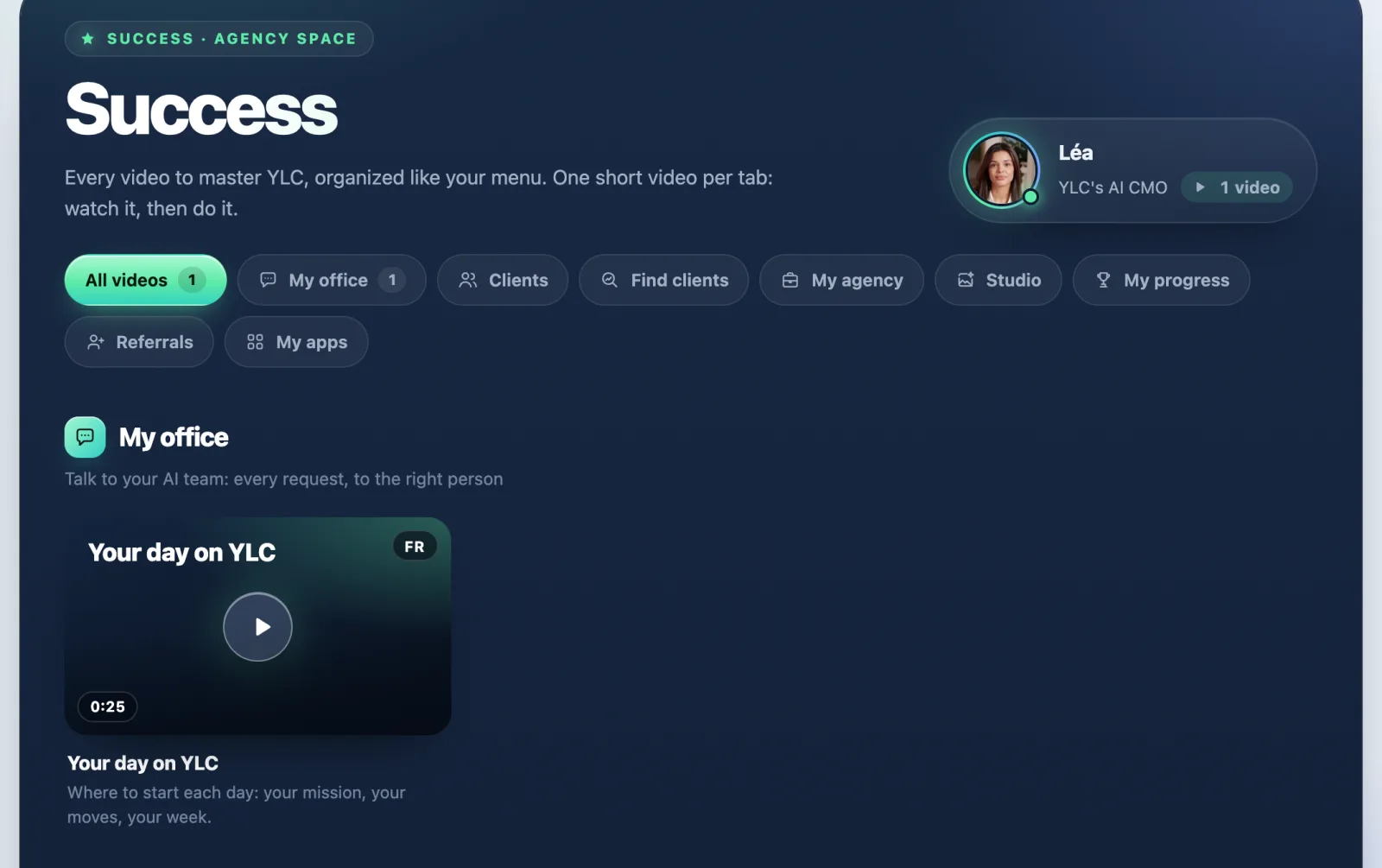
Success gathers Léa's short videos, arranged like your agency menu.
In short: Success is the library of videos by Léa, YLC's AI CMO. In Agency mode, it follows your agency menu: one short video per section.
Open it
- In the sidebar, open Tools and tap Success.
- Pick a section: My office, Clients, Find clients, My agency, Studio, My progress, Referrals, My apps.
- Tap a video to play it.
On some pages, a How it works badge opens that tab's video directly.
For now, many sections still show Video coming soon: the videos arrive one by one.
Two spaces, two libraries
Success shows the videos of the space you're in. In Business mode you see your business videos; in Agency mode, your agency videos. Switch with Your space to see the other one.
If it doesn't work
- A section shows Video coming soon: Léa is preparing the video for that section.
- A video is marked Video in French or Video in English: it doesn't exist in your language yet.
- Without a Pass, you only see the sections in your sidebar.
See also
Did this article help you?
Thanks! Glad it helped.
Sorry about that. Write to us: a person from the team will answer. Write to us