The apps
Vivra
Tell Kai about your business, get an animated website, then change it by chatting.
On this page
In short: Vivra builds your website from a few questions: texts, style, photos and animations. Kai, your AI web designer, handles it. Your site stays private until you put it online.
What Vivra is for
You describe your business, Kai suggests the structure, then Vivra writes and builds the site. After that, you change whatever you want: by hand, or by asking.
Who handles it: Kai, your team's web designer. In My office, ask him "Create my website". A site Kai creates stays private until you ask him to publish it.
Create your first site
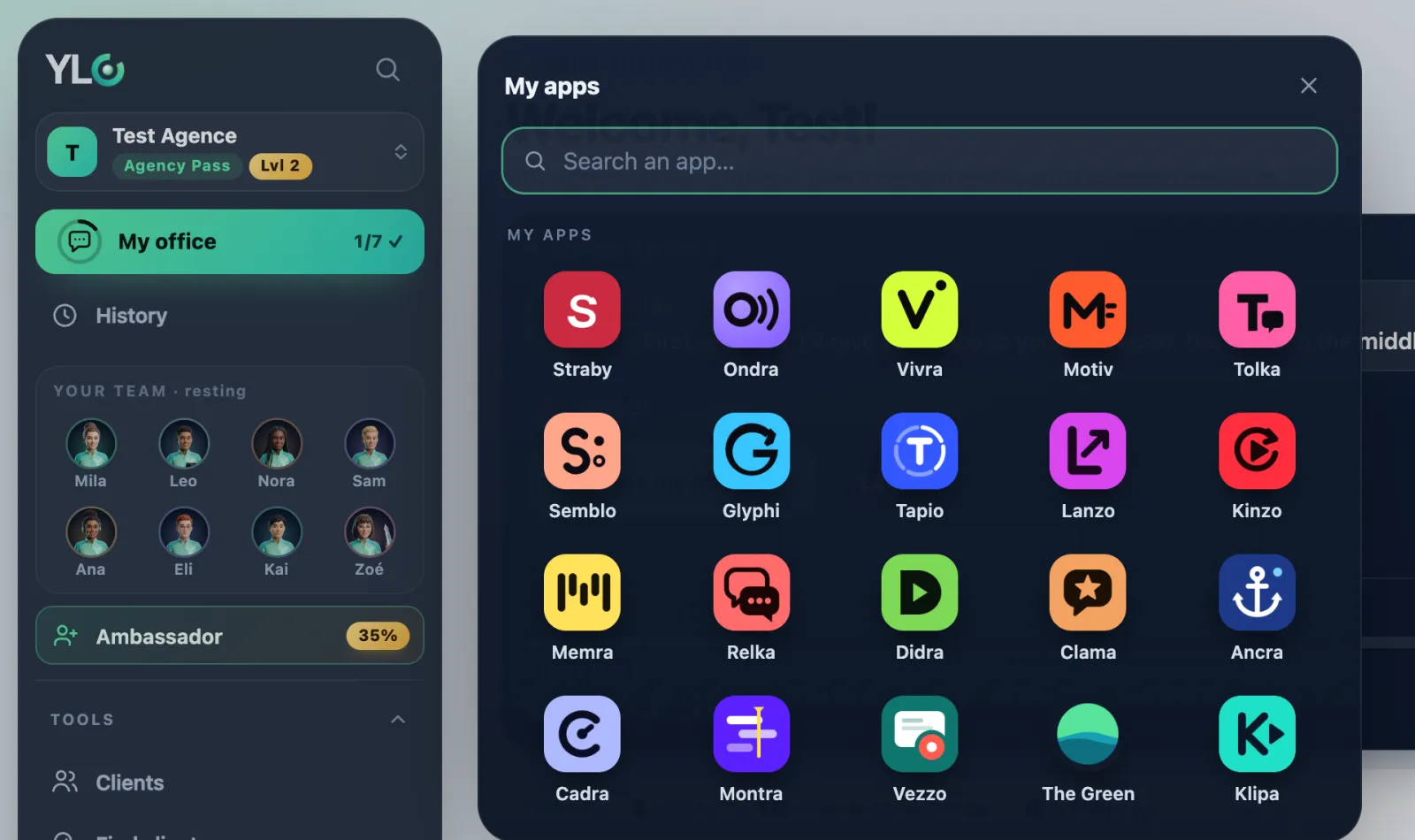
- Open Vivra: click My apps, then Vivra. You land on My sites.
- Click Create my first website (or + New site).
- Fill in at least Your business name and What you do. You can add a link (your Google listing, your Instagram or your current website). Click Create my site.
- Chat with Kai. Once he has suggested the structure, click I'm done, next step →.
- Go through Look, Voice, Contact, Google reviews, Visuals and Summary with Next →. Only the Contact email is required.
- Under AI model, choose Express or Premium.
- Click ✦ Generate my site. It takes 4 to 10 minutes.
Edit it and put it online
- ✎ Edit: change a text or an image by hand. Free and instant.
- Edit by chatting: ask the AI for a change (an edit).
- Put online: choose your address, and your site is public. Take offline takes it down again.
What it costs
Vivra is included in your Pass. The price shows before you start.
- A site: 15 credits on Express, 30 on Premium (best model, high-quality photos and the art director's review).
- A multi-page site: 20 (Premium: 40).
- An AI edit: 3 (Premium: 5). An AI image: 2 (Premium: 3).
- A second language: 3.
- Reading your current website: 1 credit (free if it was already read).
Edits by hand are free. If a generation fails, it costs you nothing.
If something goes wrong
- "Add at least the name and what you do.": these two fields are required.
- "You have … credits left and need …": top up your YLC balance, or wait for the 1st of the month.
- "Not enough credits for Premium": click Switch to Express, or top up.
- "The generation failed": it cost you nothing. Start it again from the summary.
- Your site could not be read: the page is empty, blocked or not found. You paid nothing.
- "JPG, PNG or WebP only." or "25 photos maximum.": change your files.
- "This address is already taken.": choose another address (at least 2 characters).
- "You've used your … generations for this site.": edit it by chatting from the studio.
See also
Did this article help you?
Thanks! Glad it helped.
Sorry about that. Write to us: a person from the team will answer. Write to us