Sign in Start free

App guide · Get seen

Vivra

Your website, live, without writing code.

Vivra builds your website from a few questions: texts, style, photos and animations. Kai, your AI web designer, handles it. Your site stays private until you put it online.

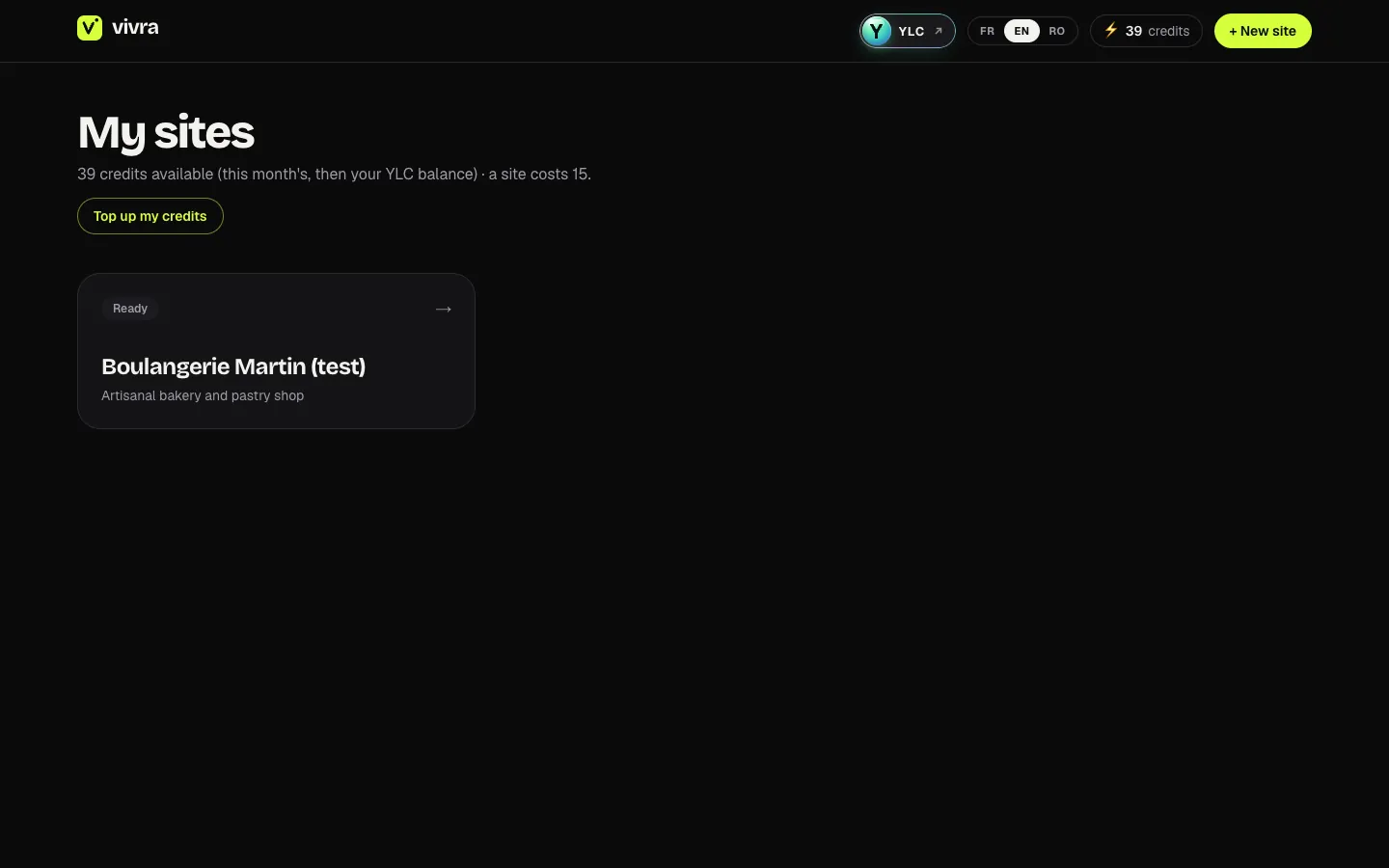
Vivra, on screen

The home screen of Vivra

What you can do

For your business

  • A one-page site for your business, with your hours and your Google reviews.
  • A site with several pages when you have more to show.
  • Change a price or a photo just by asking.

For your agency and your clients

  • A client's site from their Google listing or their current site.
  • A private draft to show before going live: it goes public only when they say yes.
  • Your clients' changes, asked to Kai in one sentence.

Who handles it in your team

Kai Web designer

Kai builds your one-page website with Vivra and keeps it private until you say publish. He changes texts, sections or prices whenever you ask.

Ask in your office

  • “Create my website”
  • “Change my opening hours on the site”

Your first result, step by step

Create your first site

  1. Open Vivra: click My apps, then Vivra. You land on My sites.
  2. Click Create my first website (or + New site).
  3. Fill in at least Your business name and What you do. You can add a link (your Google listing, your Instagram or your current website). Click Create my site.
  4. Chat with Kai. Once he has suggested the structure, click I'm done, next step →.
  5. Go through Look, Voice, Contact, Google reviews, Visuals and Summary with Next →. Only the Contact email is required.
  6. Under AI model, choose Express or Premium.
  7. Click ✦ Generate my site. It takes 4 to 10 minutes.

What it costs

Vivra is included in your Pass. The price shows before you start.

  • A site: 15 credits on Express, 30 on Premium (best model, high-quality photos and the art director's review).
  • A multi-page site: 20 (Premium: 40).
  • An AI edit: 3 (Premium: 5). An AI image: 2 (Premium: 3).
  • A second language: 3.
  • Reading your current website: 1 credit (free if it was already read).

Edits by hand are free. If a generation fails, it costs you nothing.

Go further

Online guide: ylcnetwork.com/aide/guides/vivra · Updated 21 October 2026

Can't find your answer?

A person from the YLC team answers in the chat.

Write to us