Sign in Start free

App guide · Sell and follow up

Cadra

Your booking page, linked to your calendar.

Cadra gives you a booking page that looks like you. People pick a time, Cadra writes it into your calendar and sends confirmations and reminders. Ana, your AI receptionist, handles it with you.

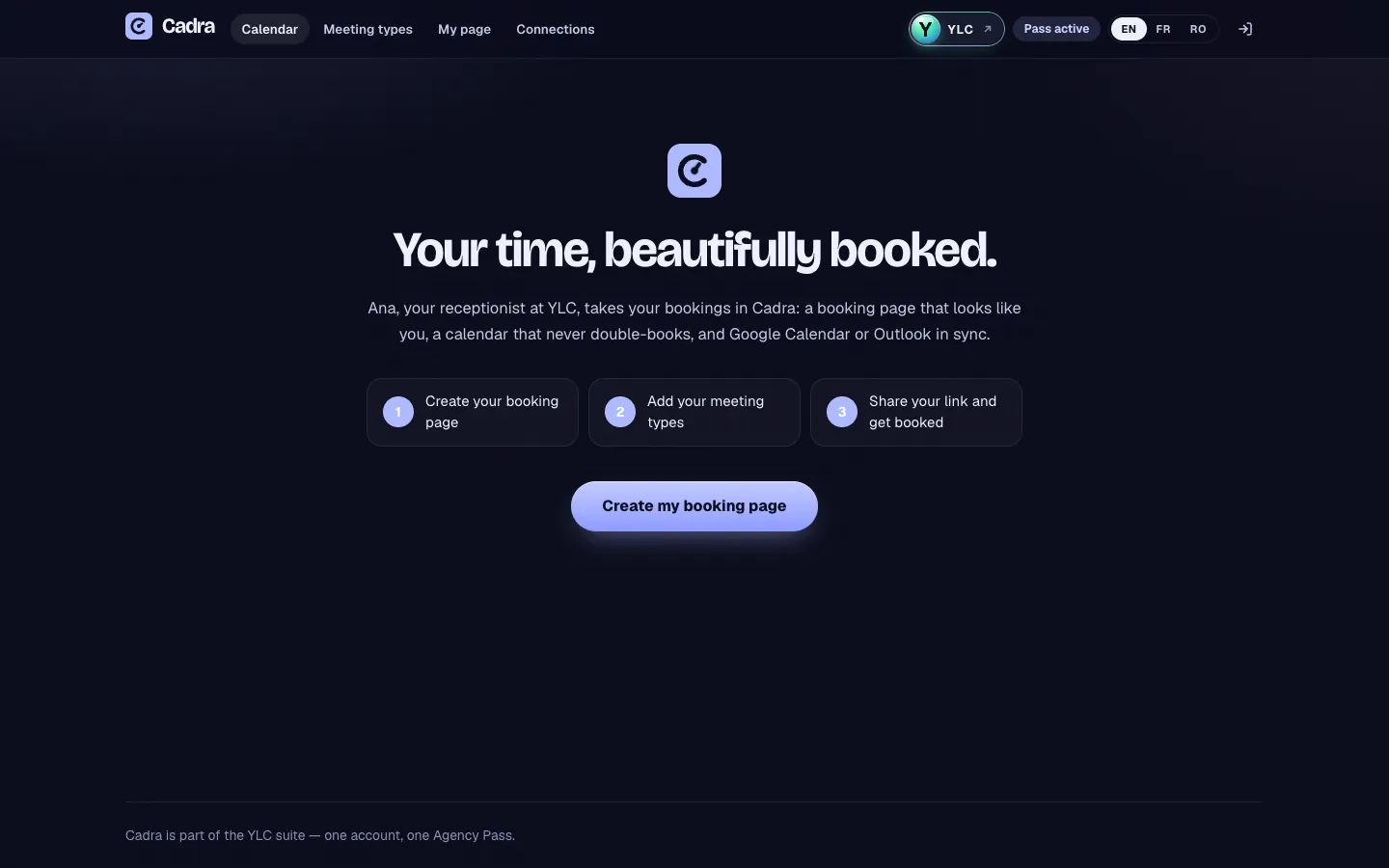
Cadra, on screen

The home screen of Cadra

What you can do

For your business

  • A page where your clients pick a free slot.
  • Bookings land in Google Calendar or Outlook, never twice at the same time.
  • Reminders sent on their own, 24 h and 1 h before.

For your agency and your clients

  • Your own page to book a discovery call with you.
  • A booking page for each client who takes appointments.
  • Appointment types prepared by Ana, as a draft.

Who handles it in your team

Ana Receptionist

Ana sets up your booking page with 1 to 3 appointment types, publishes it when you say so, and tells you who booked.

Ask in your office

  • “Set up my booking page”
  • “Who booked this week?”

Eli Assistant

Eli adds appointment types to your page and finds your free slots in Google Calendar or Outlook.

Ask in your office

  • “Add a 30-minute call to my page”
  • “When am I free on Thursday?”

Your first result, step by step

Create your page in 5 steps

  1. In your YLC account, tap My apps (the grid icon in the bar), then Cadra. You can also go to cadra.ylcnetwork.com.
  2. Click Create my booking page. The editor has three steps: Layout, Profile, Calendars. Move between them with Continue.
  3. In Profile, fill in your Name, One line about you, Your page address (click Check to see if it is free) and Your time zone.
  4. In Calendars, click Connect next to Google Calendar or Microsoft 365 / Outlook. You connect it once, in your YLC account, and it works for every app. Then click Publish my page.
  5. Open Meeting types, click New meeting type, set the Length, Location and Weekly hours, turn on On your page, then click Save.

To share your page, use Copy link or View my page.

What it costs

No credits: Cadra is included in your Pass, and booking is free for your visitors.

Go further

Online guide: ylcnetwork.com/aide/guides/cadra · Updated 21 October 2026

Can't find your answer?

A person from the YLC team answers in the chat.

Write to us