Sign in Start free

App guide · Sell and follow up

Relka

All your contacts and follow-ups in one place.

Relka gathers the contacts that come from Straby, your shop, Cadra, Semblo and Memra into one book. Sam, your AI sales rep, drafts follow-ups: you are the one who sends them.

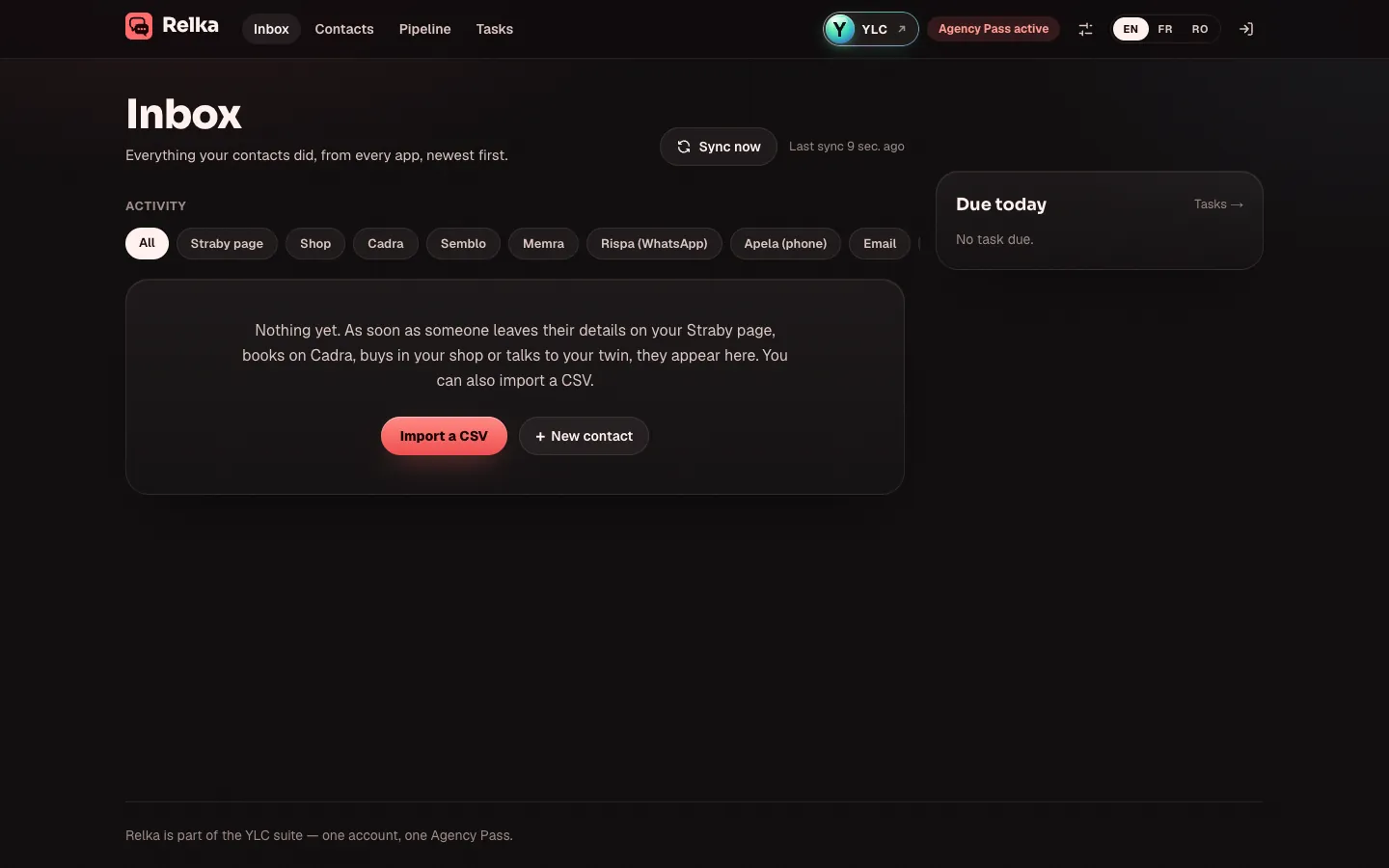
Relka, on screen

The home screen of Relka

What you can do

For your business

  • One address book for the contacts your YLC apps bring you.
  • A pipeline to see where each contact stands.
  • Follow-ups written by Sam, sent by you.

For your agency and your clients

  • Follow your agency's prospects, from first contact to signed client.
  • Know who is waiting for an answer.
  • Follow-up drafts ready to read.

Who handles it in your team

Sam Sales rep

Sam adds your contacts, spots who is waiting for an answer and writes your follow-ups as drafts in Relka. You send them yourself.

Ask in your office

  • “Who should I follow up with?”
  • “Write a follow-up message”

Your first result, step by step

Add a contact and follow up

  1. In your YLC account, tap My apps, then Relka, or go to relka.ylcnetwork.com.
  2. In Contacts, click New contact. Fill in the Name, Email or Phone, then click Create. To add many at once, click Import a CSV.
  3. Open the contact. In the Write panel, under Suggest with AI, click Follow up (or Reply if they already wrote to you). You can say in one sentence what the message should say.
  4. The draft is saved. Read it, then click Send email.
  5. In Pipeline, drag the contact's card to the right stage. On a phone, use Move to.

What it costs

  • A contact summary and AI drafts: free (up to 100 AI requests per 24 h).
  • Labels, template follow-ups and sending emails: free.

Go further

Online guide: ylcnetwork.com/aide/guides/relka · Updated 21 October 2026

Can't find your answer?

A person from the YLC team answers in the chat.

Write to us