Account & privacy
Delete your account
You delete your YLC account yourself from Settings: what happens, what is kept, and the The Green exception.
In short: in Settings, at the very bottom, Delete my account. Your Pass is cancelled at Whop first, then your account is deleted at once, in every app. It's final.
Delete your account
- Sign in at account.ylcnetwork.com.
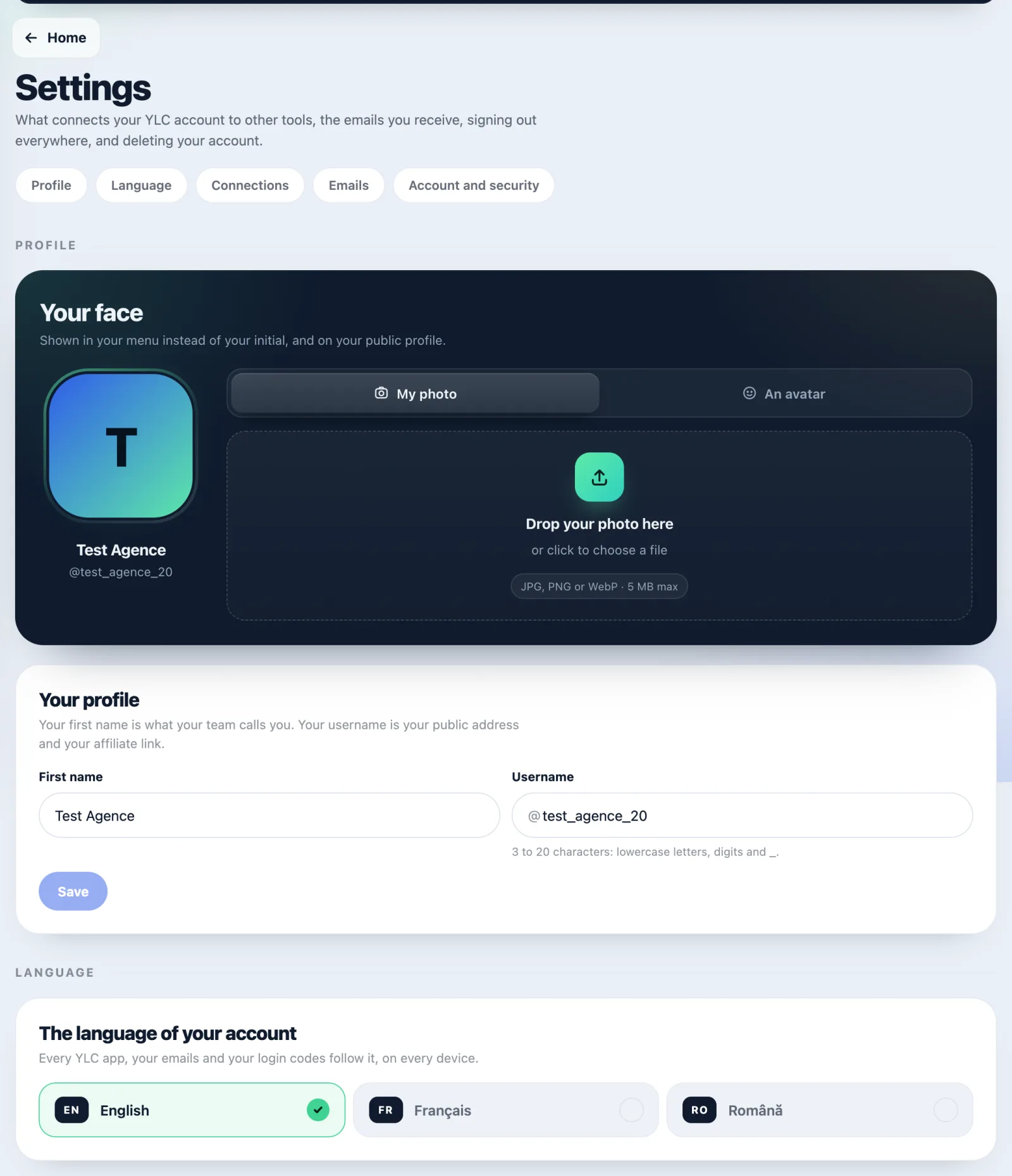
- Open your account menu (your avatar), then Settings.
- At the very bottom, tap Delete my account.
- Follow the steps: what your account holds, then Why are you leaving? (one reason is enough).
- Read Here's exactly what will happen.
- Type DELETE to confirm, then tap Delete my account for good.
At every step, I'm staying stops everything.
What happens
- First, your Pass is cancelled at Whop: nothing more is charged. If Whop refuses, nothing is deleted and the screen tells you.
- Then your account is deleted at once, with everything in it, in every app: profile, brand, creations, credits and conversations with your team.
- Straby is told and deletes the account it had linked to yours.
- You are signed out on every device.
What is kept
- Your payment records, at Whop and on our side for accounting, no longer linked to your account.
- Subscriptions to Semblo experts are sold by the experts on Whop: cancel them from your Whop account.
Before you delete
- Just want to stop paying? Stop your Pass renewal: your account stays. See Change or stop your Pass.
- Your Pass is less than 14 days old? You can still withdraw. Do that first, from your Pass page. See Refunds and the 14-day withdrawal.
- There is no automatic refund for the period already started.
If it doesn't work
- You can't sign in any more: write to support@ylcnetwork.com from your account's email address, or use the Delete your data page.
- Whop refuses the cancellation: nothing is deleted. Try again later, or chat with us.
See also
Did this article help you?
Thanks! Glad it helped.
Sorry about that. Write to us: a person from the team will answer. Write to us