Agency Find & sign clients
Your offer and prices
What you sell, at what price, and whether your clients can pay you: your whole offer summed up on one page.
On this page
In short: My offer sums up what you sell (one-off services, subscriptions, packages), tells you whether your payment account is ready, and gives you two ideas to sell more. You change your prices in My showcase.
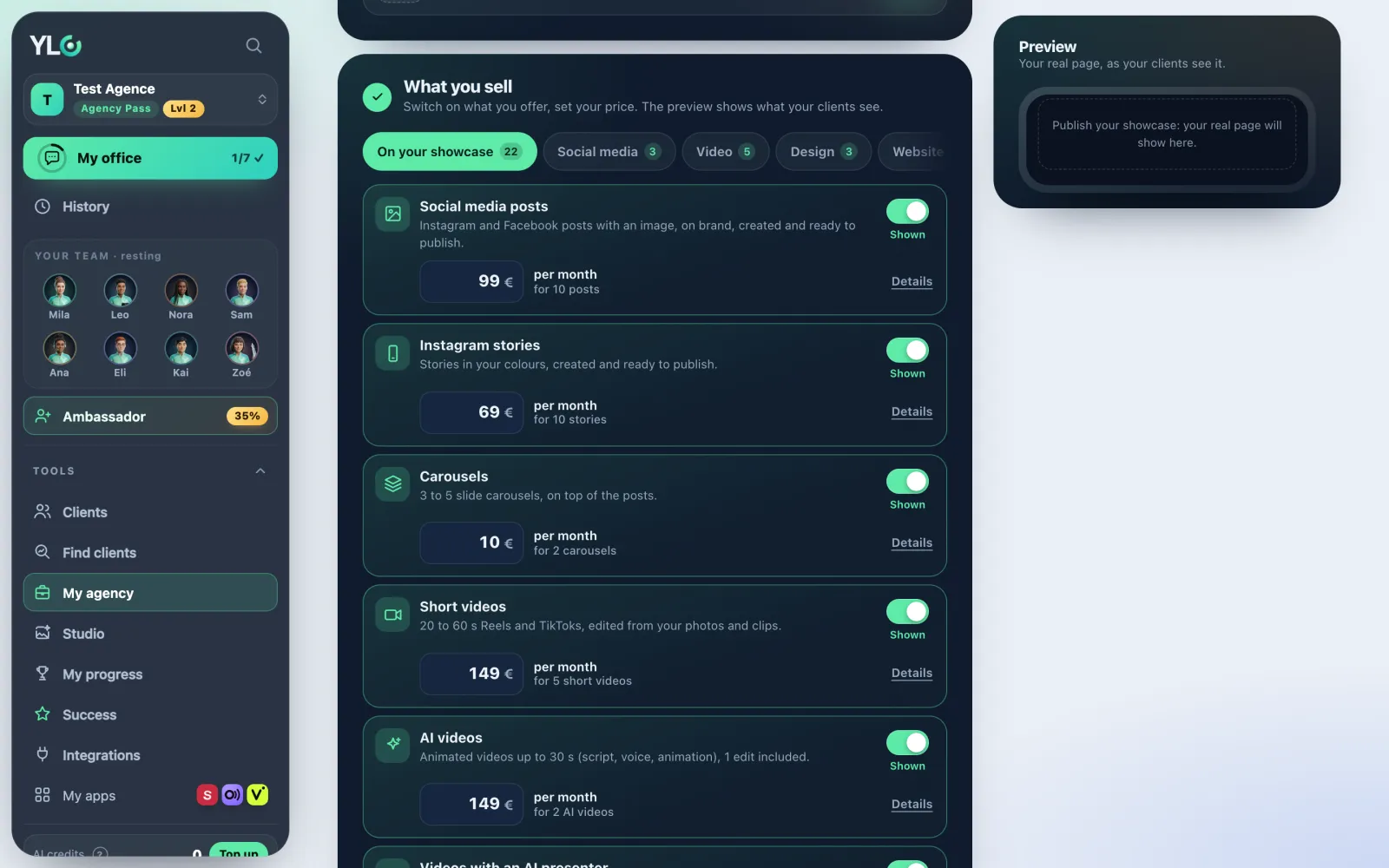
Open it
In the sidebar: Tools › My agency › My offer. The old My prices page no longer exists: its address takes you to My showcase, at the What you offer step.
What you sell
- The What you sell block lists your prices, grouped as One-off, Subscriptions and Packages.
- To change a price, tap Edit in My showcase. Everything is set there, once.
- These "starting from" prices, before tax, are used by your quotes, your showcase and your contracts.
Ready to get paid?
For your clients to pay you online, there are three steps: Whop connected, Identity verified, Test payment.
- Tap the button shown: Connect my Whop account, then Finish my verification (on Whop).
- The €1 test payment is optional: Finish your payment account takes you to Receive payments.
- When everything is done, the line becomes ✓ Ready to get paid.
Sell more
- Monthly maintenance: a subscription in your quote, charged every month by Whop. The number of active ones shows next to it.
- Free demo: prepare a demo for a prospect before talking price.
Your strategy
This block is folded: tap Your strategy to open it.
- Make your first demo: a demo made for a typical client in your target. Choose a website in Vivra, a sales page in Straby or a logo in Glyphi.
- Your brief is already written. Tap Copy the brief, or Prepare my website in Vivra: the brief waits for you there.
- Your written videos opens the scripts written for you, if there are any.
If your agency has no plan yet, the page offers Launch your agency: tap Build my plan.
On your phone
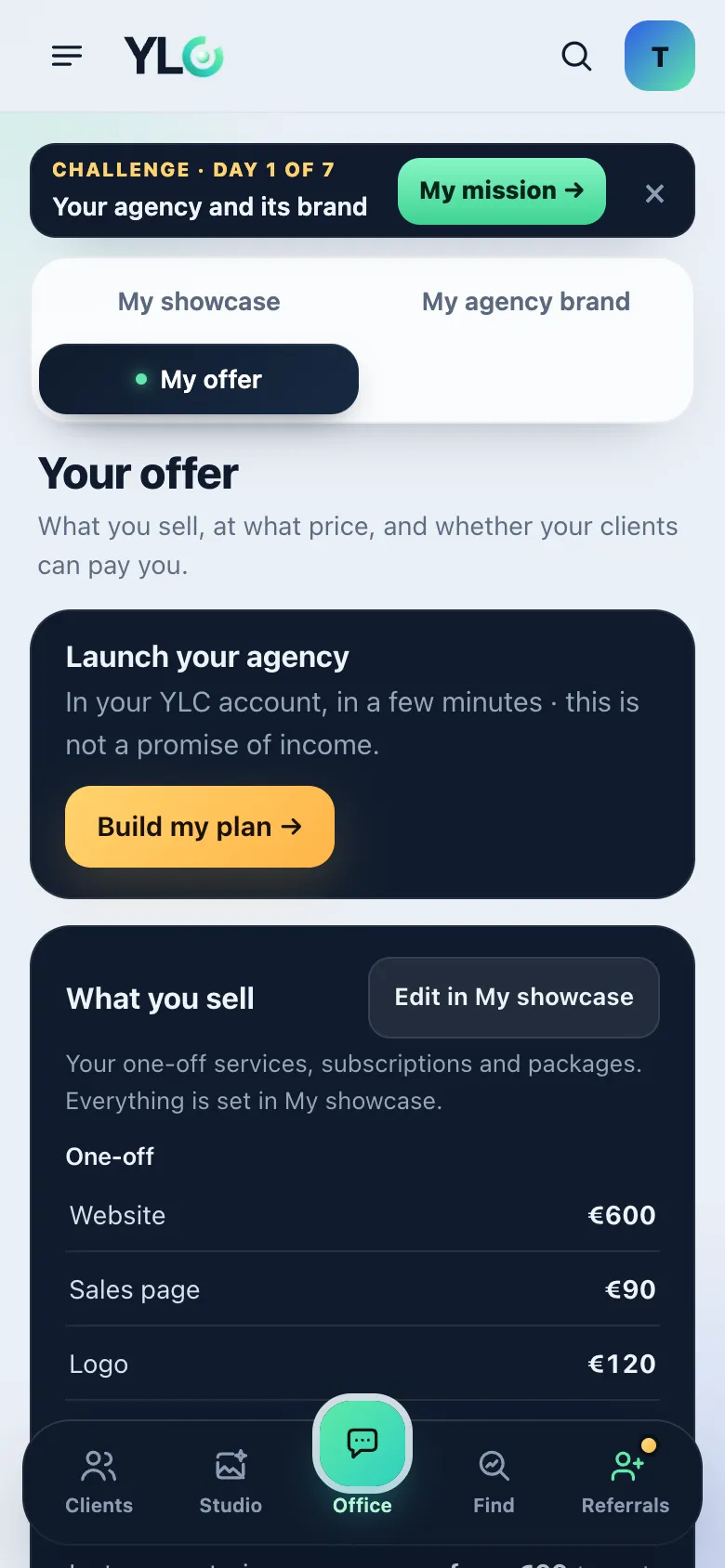
The blocks follow each other from top to bottom, in the same order.
What it costs
My offer costs no credits. Your first demo, if you make it: about 15 credits for a website in Vivra, about 16 credits for a logo in Glyphi (directions then final logo), free for a page in Straby. Each app shows its price before spending. My offer is part of the Agency Pass.
If it doesn't work
- "Nothing on sale yet.": add your services in My showcase, at the What you offer step.
- "The brief couldn't be placed. Copy it and paste it in Vivra.": tap Copy the brief and paste it yourself.
- "You already have a brief in Vivra: it's kept as it is.": open Vivra, your earlier brief is waiting.
- The page offers you the Agency Pass: My offer is part of it.
See also
Did this article help you?
Thanks! Glad it helped.
Sorry about that. Write to us: a person from the team will answer. Write to us