Troubleshooting
The apps on your phone
Your YLC account works in your phone's browser; The Green and Straby have their own app. Signing in, and why nothing is sold in them.
In short: your YLC account, your office and the apps open in your phone's browser. Only The Green and Straby have an app to install. The Pass and top-ups are bought on the YLC website, never in an app.
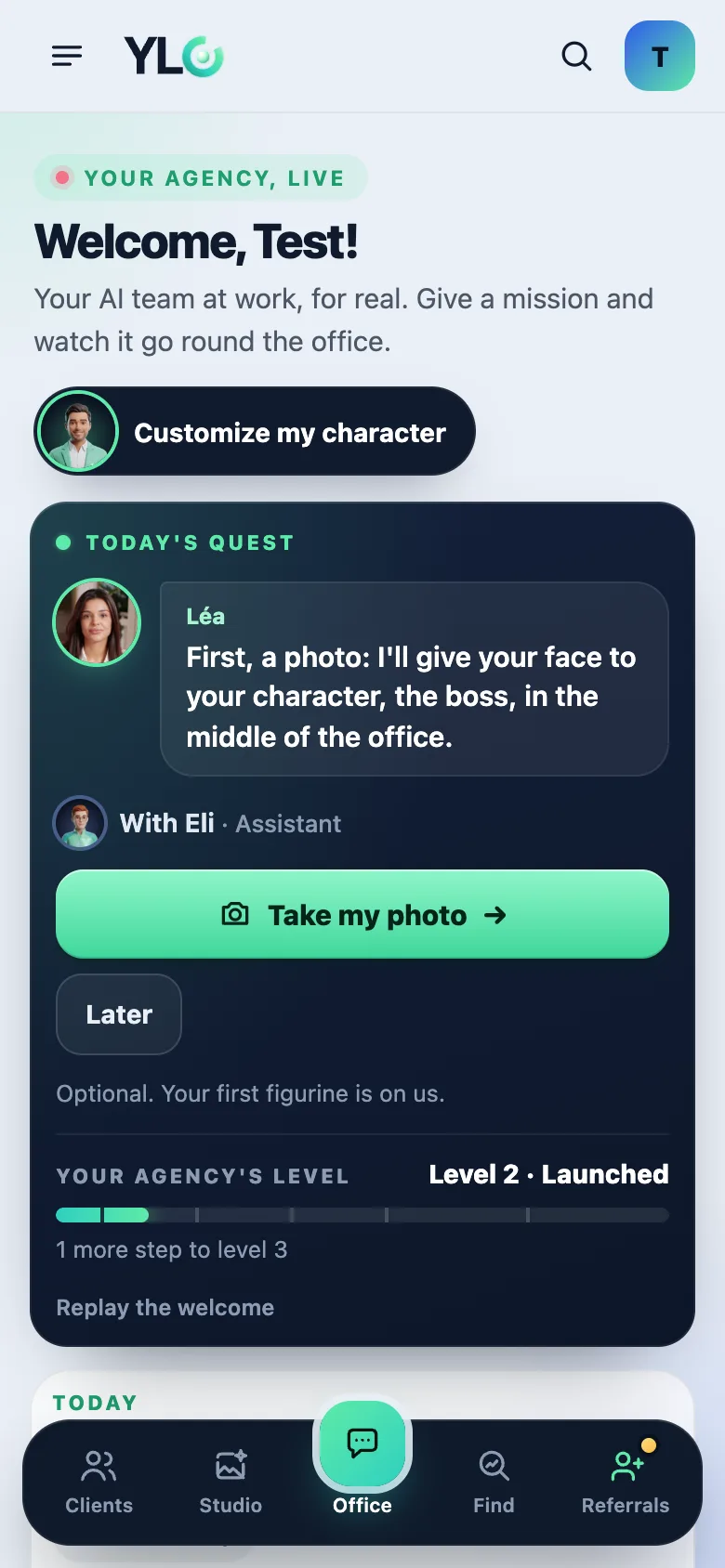
Use YLC on your phone
- Open account.ylcnetwork.com in your phone's browser.
- Sign in with your email and the six-digit code.
- Your office and your apps open just like on a computer.
The Green and Straby
- Sign in with your YLC account: the same email address and the same six-digit code as on the web.
- Nothing is sold in these apps. The Pass and top-ups are taken on the YLC website. The app reads your Pass as soon as you sign in.
If it doesn't work
- Your Pass doesn't show in the app: sign out, then sign in again with the same address as on the website.
- Your steps don't count in The Green: allow step reading. On iPhone, in the Health app (Sharing, then Apps). On Android, in Health Connect (App permissions). On a Samsung, first turn on sharing in Samsung Health.
- No code: see I didn't get my sign-in code.
See also
Did this article help you?
Thanks! Glad it helped.
Sorry about that. Write to us: a person from the team will answer. Write to us