With The Green
- Play the game of the day, one minute a day.
- Count your steps with the phone app.
- Fund the removal of plastic bottles from the ocean with your greens.
App guide · Play for the ocean
 The Green
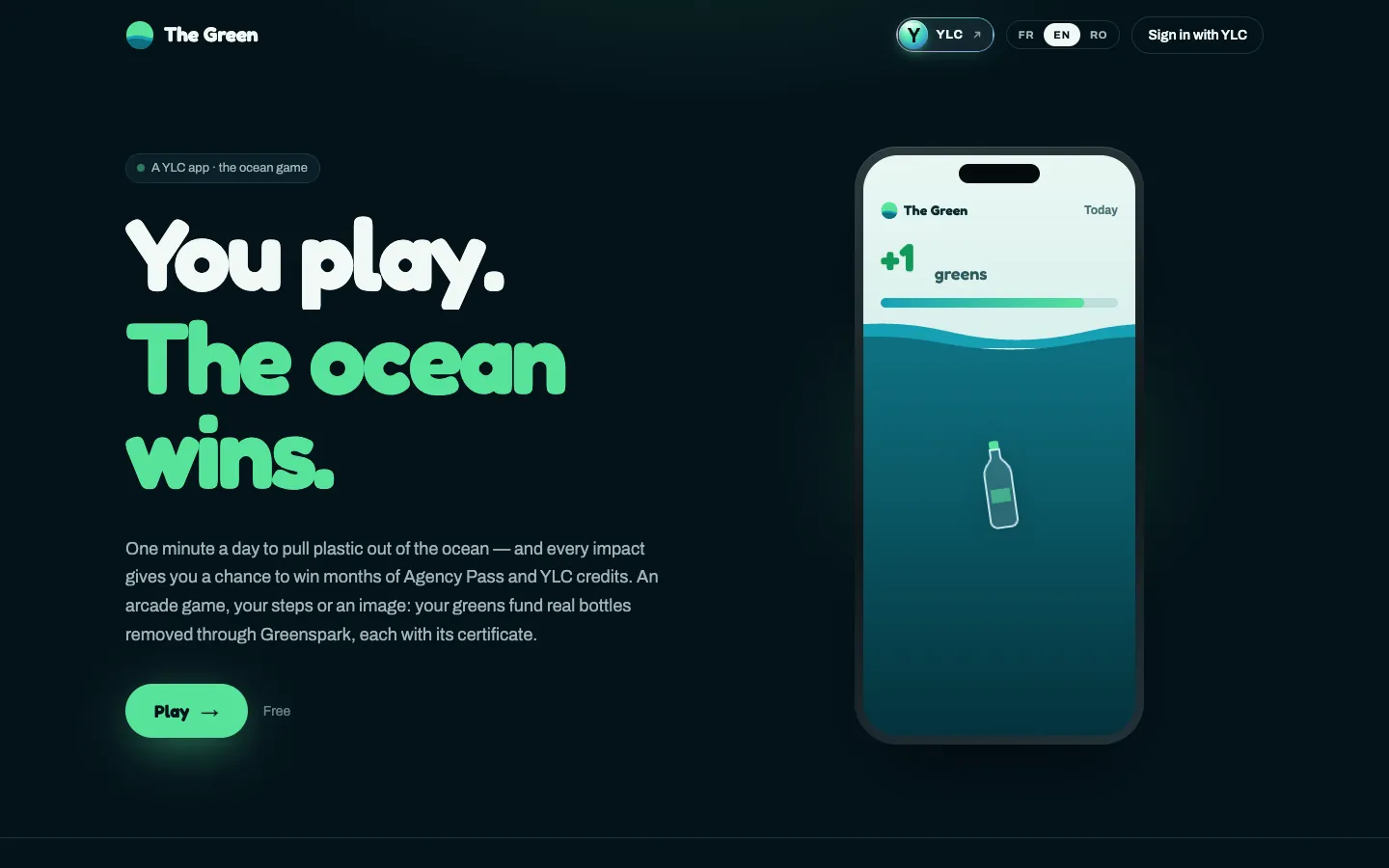
The Green is a free game. You play the game of the day, walk, vote in the image contest, and earn greens. 100 greens fund the removal of a plastic bottle from the ocean and give you a ticket for the monthly draw.
Nobody: it's a game, you play it yourself.
Playing, walking, voting and the draw are free. With a YLC Pass, you can also post in the image contest and you get boost codes every month. A boost lasts 1 hour and multiplies your greens by ×1.25 to ×2 depending on your Pass. It helps you reach the daily limit sooner, never go past it, and never gives a ticket.
Online guide: ylcnetwork.com/aide/guides/the-green · Updated 21 October 2026
A person from the YLC team answers in the chat.