Sign in Start free

App guide · Get seen

Ondra

Your posts written, illustrated and scheduled.

Ondra writes, illustrates and schedules your posts on Instagram, Facebook, LinkedIn, TikTok, Pinterest and YouTube. Mila, your AI community manager, prepares posts as drafts: you read them, then they go out.

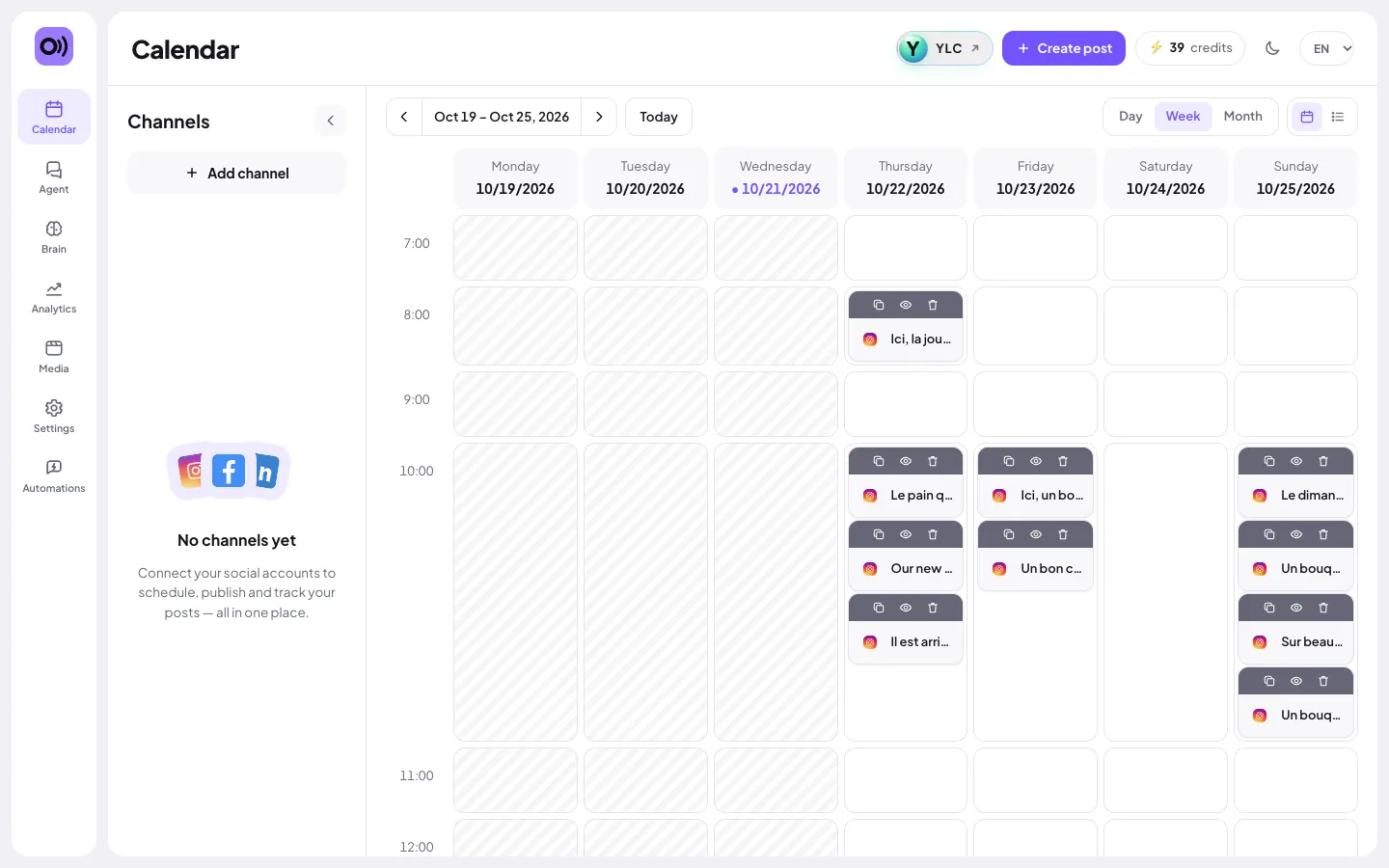
Ondra, on screen

The home screen of Ondra

What you can do

For your business

  • A week of posts prepared by Mila, waiting as drafts for you to read.
  • One text adapted to each network: Instagram, Facebook, LinkedIn, TikTok, Pinterest, YouTube.
  • Schedule ahead and stop thinking about it.

For your agency and your clients

  • Each client's post calendar, in their voice thanks to their Brain.
  • Drafts your client reads before anything goes out.
  • A visual for each post, in the client's colors.

Who handles it in your team

Mila Community manager

Mila plans your posts and writes them in your voice, saved as drafts in Ondra. Nothing is published until you approve.

Ask in your office

  • “3 posts for back-to-school”
  • “What's waiting for approval in Ondra?”

Your first result, step by step

Connect your first network

  1. Open Ondra: click My apps in your account bar, then Ondra. You land on your Calendar.
  2. Click Connect my first channel (or Add channel).
  3. Sign in on the network's own page. Your password never goes through Ondra.
  4. The message Account connected. confirms it worked.

What it costs

Ondra is included in your Pass. AI is paid in credits:

  • A post with its visual, for all the networks you picked: 3 credits on Express, 4 on Premium.
  • The text alone: 1 credit. The visual alone: 2 (Premium: 3).
  • A week of 7 posts with visuals: 21 (Premium: 28).
  • A 5-second video: 20.
  • An AI-suggested reply to a comment: 1.

Scheduling and posting cost nothing. If a creation fails, your credits are given back.

Go further

Online guide: ylcnetwork.com/aide/guides/ondra · Updated 21 October 2026

Can't find your answer?

A person from the YLC team answers in the chat.

Write to us