Sign in Start free

App guide · Create

Klipa

Short videos, paid on verified views.

on Klipa, brands set a rate per 1,000 views. You join a campaign, post short videos from your own accounts, and verified views are paid at the campaign rate. No earnings are guaranteed.

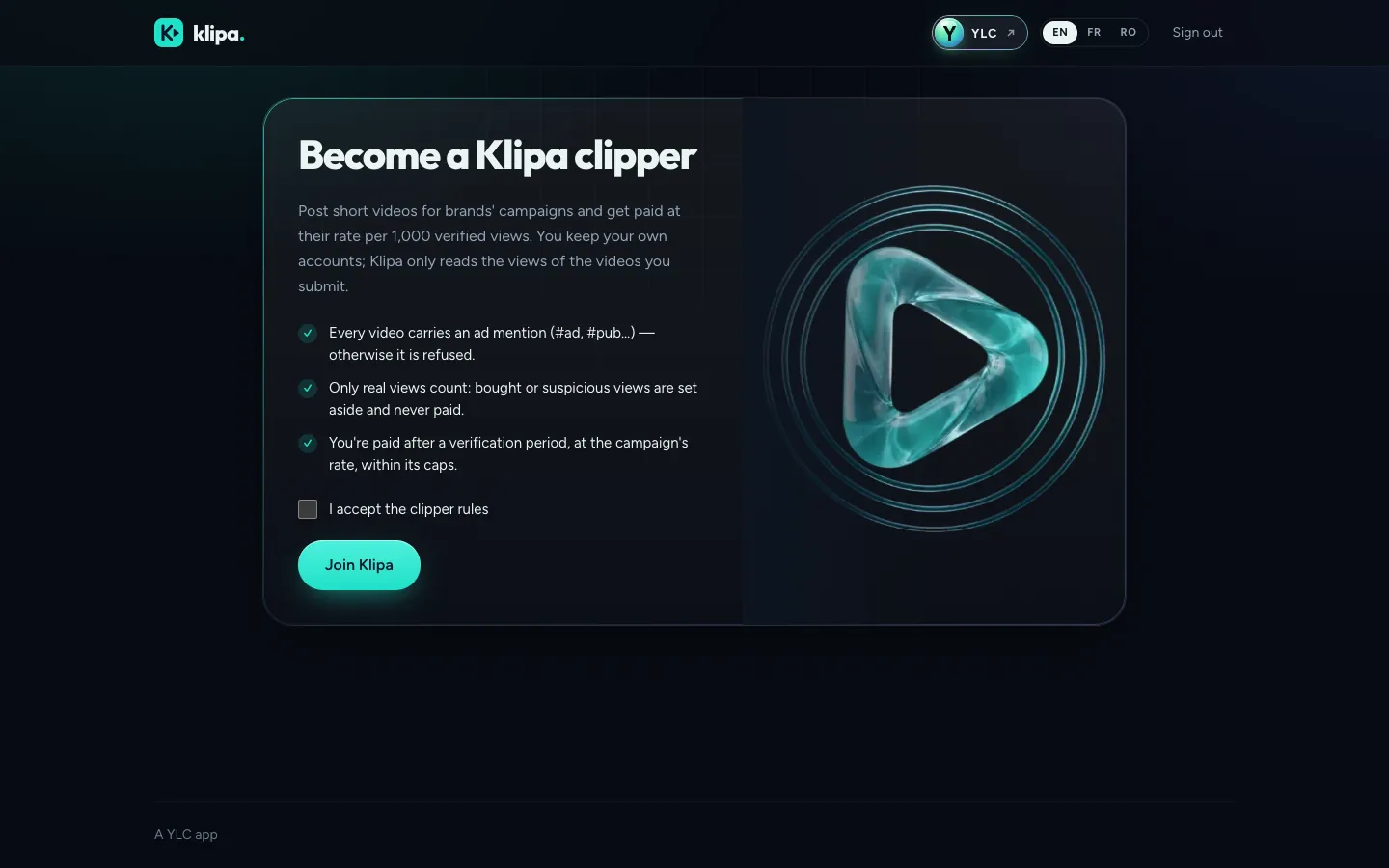
Klipa, on screen

The home screen of Klipa

What you can do

For your business

  • Prepare a clipping campaign for your brand, as a draft.
  • Set your rate for 1,000 views and your budget.
  • Nothing is launched or paid until you confirm it.

For your agency and your clients

  • Prepare a client's campaign as a draft: brief, rules, budget.
  • Let the client review it before anything is launched or paid.
  • Follow the progress of their campaigns with Mila.

Who handles it in your team

Mila Community manager

Mila prepares a clipping campaign for your brand as a draft: brief, budget, pay per 1,000 views and rules. Launching and paying only happen when you confirm them in Klipa. Campaigns for members open soon.

Ask in your office

  • “Prepare a clipping campaign brief”
  • “How are my Klipa campaigns doing?”

Your first result, step by step

Launch a brand campaign

  1. Click Launch my campaign, then New campaign.
  2. Fill in the brief, the rules, the rate per 1,000 views and the budget, then click Save the draft.
  3. Click Submit to YLC for review.
  4. Once the campaign is approved, click Fund with Whop. It goes live when Whop confirms the payment.

If brand campaigns aren't open yet, Klipa tells you: "Brand campaigns are not open yet."

What it costs

  • Clipper: free.
  • Brand: your campaign budget plus the YLC fee, both shown before you pay. No credits.

Go further

Online guide: ylcnetwork.com/aide/guides/klipa · Updated 21 October 2026

Can't find your answer?

A person from the YLC team answers in the chat.

Write to us