Referrals
Referrals: your content kit
Your short links, messages for each situation, your Tapio stories and visuals with your QR code, ready to share.
On this page
In short: the Kit tab of Referrals gives you everything you need to recommend YLC: your short links, your QR code, ready-to-send messages and visuals. Your link is already in them.
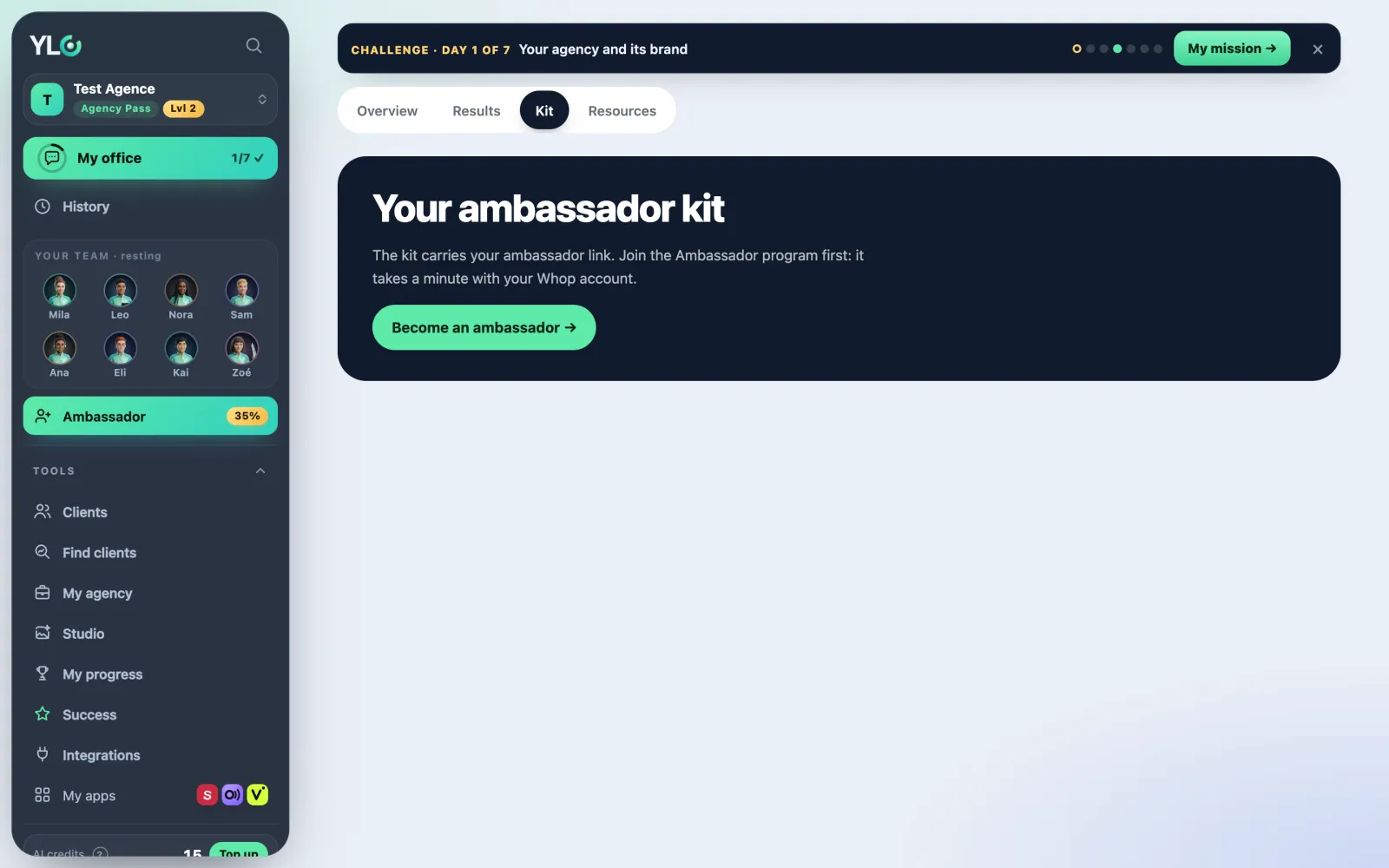
Opening your kit
- Click Referrals in the bar.
- Open the Kit tab.
- Pick the kit's language at the top: EN, FR or RO. You can share in a different language from your account's.
Your short links
Two links: To the Business page and To the Agency program. They never change, even if you rename your Whop account. Tap Copy or Share. Your QR code is next to them.
The messages
- Messages by situation: pick For a business (a shop, a freelancer, Google reviews, no time for marketing) or For an agency (launching an agency, delivering for more clients, finding clients, getting paid).
- Tap Copy or Share under the message that fits the person.
- Pages to share: your link to each page of the YLC site (Business page, Agency program, the price, the home page, the Builder program, The Green).
Your stories and visuals
- Your stories in Tapio: tap Create my stories. You get "Les apps YLC", one story per app, in three languages, with your link. Then: Watch my stories, Open in Tapio or Recreate / update my stories.
- Show them on your Straby page: open your page in Straby, go to the Stories section and choose "Les apps YLC".
- What the team delivers, app by app: pick an app. You get two story pages, a square post and a vertical card, each with your QR code. Tap Download or Share.
- Texts to copy: Instagram caption, WhatsApp message and Bio, with your link.
What it costs
Nothing. The kit, the visuals and your Tapio stories are free, no credits.
If something goes wrong
- No kit, but a Become an affiliate button: the kit carries your affiliate link. Link your Whop account first: see Referrals: recommend YLC.
- An image shows "Preparing…": on your first visit, the images are being prepared. Allow a minute or two.
- "That didn't work. Try again in a moment." (stories): try again a bit later.
See also
Did this article help you?
Thanks! Glad it helped.
Sorry about that. Write to us: a person from the team will answer. Write to us