Ambassador program
Ambassador: your results
Clicks, sign-ups, sales and estimated commission from your links, the people you referred and your notifications, period by period.
On this page
In short: the Results tab of the Ambassador space shows what your links brought: clicks, sign-ups, sales and estimated commission. Only you can see this page.
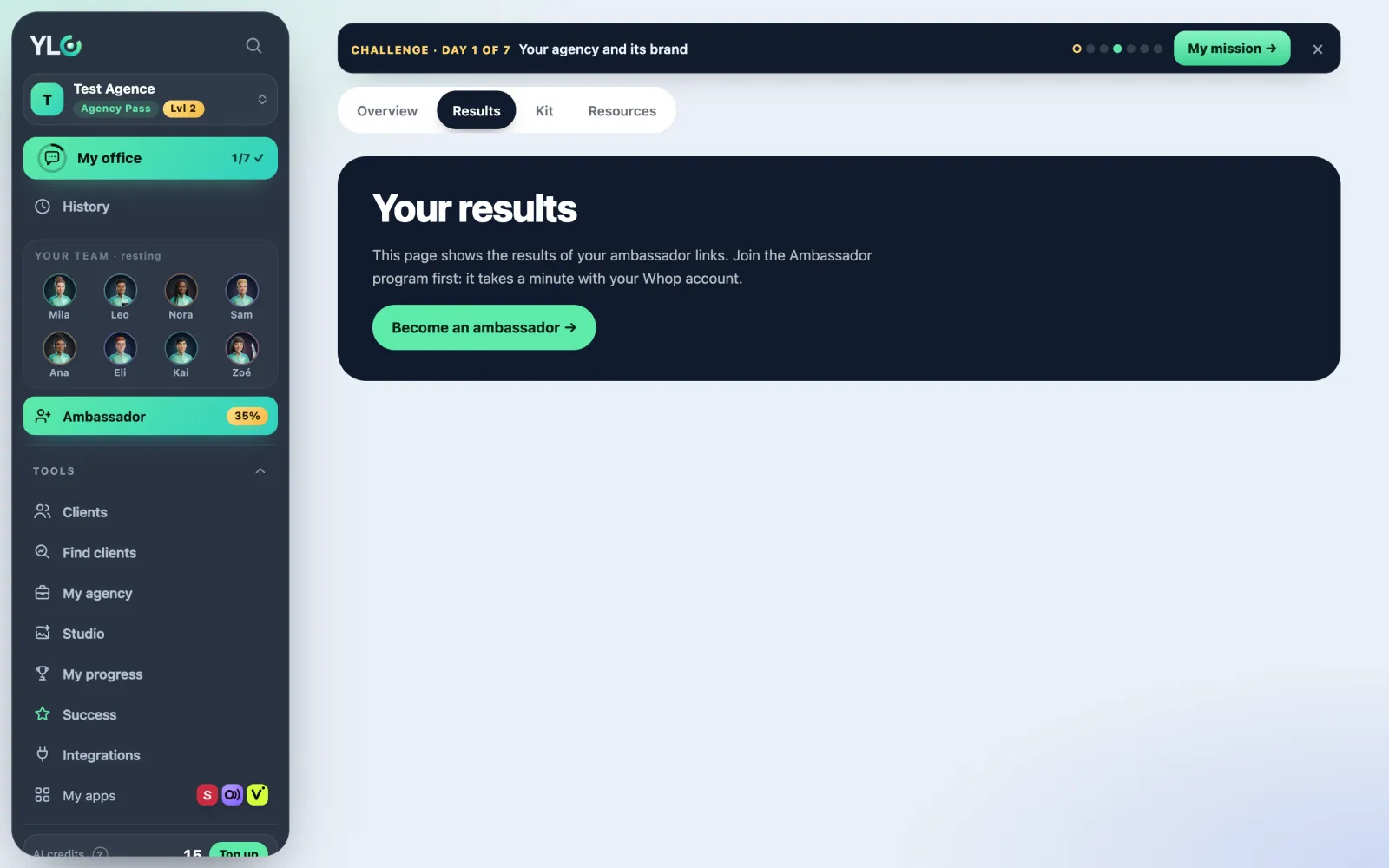
Opening your results
- Click Ambassador in the bar.
- Open the Results tab.
- Pick the period at the top: 7 days, 30 days, 90 days, 12 months or All.
Not an ambassador yet? The page tells you and offers Become an ambassador: see The Ambassador program: recommend YLC.
What you see
- The four figures: Clicks, Sign-ups, Sales and Estimated commission (35% on Passes, 10% on credits).
- Subscribed through your link today: the Passes paid right now, by type (Business Pass, Agency Pass, Founder Pack). Refunds don't count.
- Recorded by Whop: Total earned, Revenue you brought and Active members, as Whop counted them. Open Whop takes you to your Whop account.
- People you referred: every account that joined through your link, business or agency, with its status (Signed up, Challenge in progress, Agency Pass active, Pass stopped…). Filter with All, Challenge in progress, Subscribed or To follow up.
- Notifications: a new account or a sale through your link.
- Day by day, By app, Your sales and New accounts: the details of the period. Never a customer's name or email.
Encouraging someone you referred
- In People you referred, tap Send a message of encouragement under their name.
- Write your message, or start from one of the suggested sentences.
- Tap Send. YLC sends it by email, under your name.
Their contact details (first name, email, WhatsApp) only show if they agreed to share them. Otherwise you read Contact details not shared.
Managing your notifications
- Mark all as read clears the badges.
- Turn off the emails: you only see your notifications here. Turn the emails back on brings them back (one grouped email, at most every 15 minutes).
What it costs
Nothing. The page and the messages of encouragement are free.
If something goes wrong
- "Whop's figures could not be read right now. Reload the page in a moment.": reload a bit later.
- "3 messages already this week for this account. Try again in a few days.": the limit is 3 messages a week per person you referred, and 20 a day in all.
- "No links, except to ylcnetwork.com.": remove the link from your message. 600 characters at most.
- "This person no longer receives your messages.": they turned off messages from the ambassador who referred them. You can no longer write to them through YLC.
See also
Did this article help you?
Thanks! Glad it helped.
Sorry about that. Write to us: a person from the team will answer. Write to us